This website uses cookies
This website uses cookies. For further information on how we use cookies you can read our Privacy and Cookie notice

This website uses cookies. For further information on how we use cookies you can read our Privacy and Cookie notice
/product/18/7483623/1.jpg?4254)
/product/18/7483623/2.jpg?4254)
/product/18/7483623/3.jpg?2434)
/product/18/7483623/4.jpg?2434)
/product/18/7483623/5.jpg?4254)
/product/18/7483623/6.jpg?2434)
/product/18/7483623/7.jpg?4254)
/product/18/7483623/8.jpg?2434)
Some variations with low stock

Express delivery in main cities
Easy Return, Quick Refund.Details
Dasy-COD
92%Seller Score
8 Followers
Shipping speed: Excellent
Quality Score: Excellent
Customer Rating: Average
Cancellation Rate: Excellent
【STRONG ANTI-INTERFERENCE ABILITY】The temperature controller adopts industrial instrument special chip, works with DC 12V voltage/AC 220V, 120W/1500W high power and features strong anti-interference ability.
【WITH WATERPROOF PROBE】Professionally designed and especially equipped with waterproof probe, the is great for convenient usage, durable for long service life.
【DIGITAL DISPLAY DESIGN】Digital display shows measuring temperature, providing high accuracy of temperature measuring and controlling.
【STABLE PERFORMANCE】The digital temperature controller is able to control temperature within -50~110, with stable performance, easy to operate.
【WIDE APPLICATION】Widely applied in the hatching area, incubation, equipment case, air conditioning system, temperature control protection, cabinet cooling system and other fields.
Specification
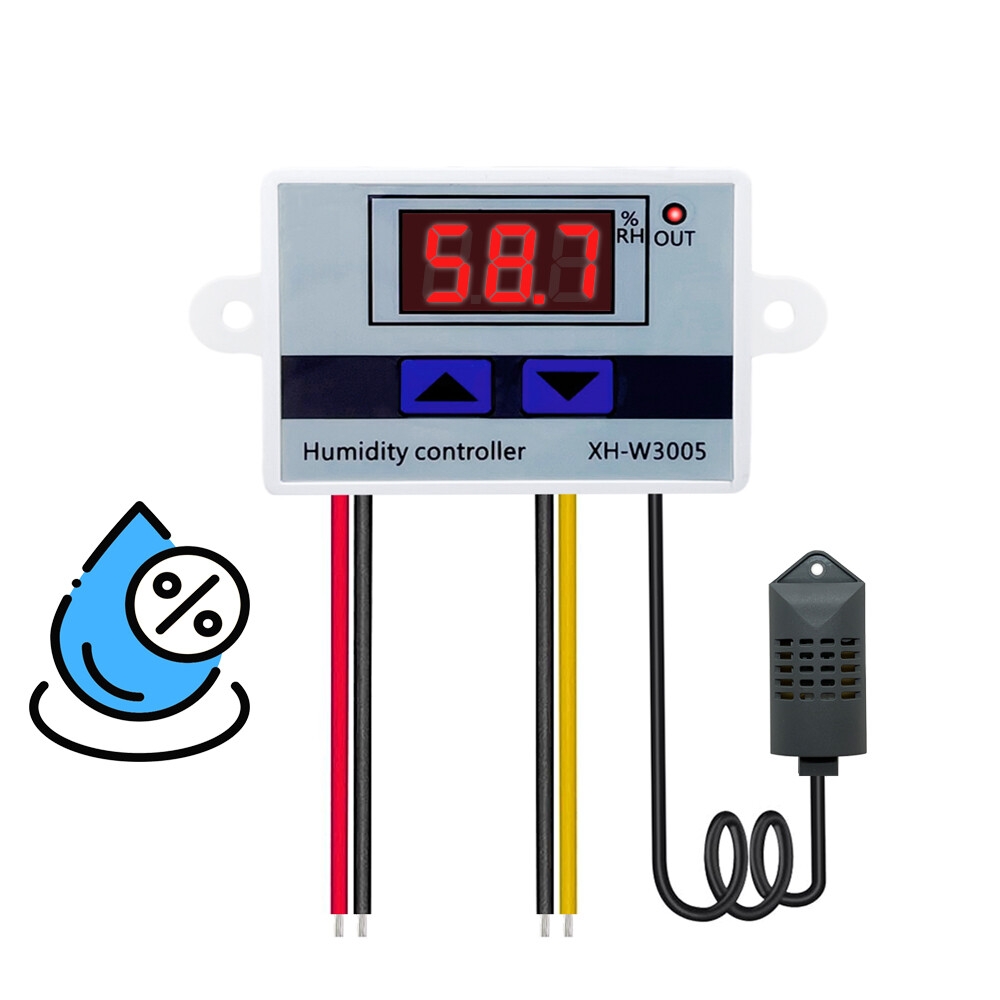
Item type: Digital temperature controller
Model: XH-W3001
Output Type: Direct Output
Output capacity:10A max
Power Supply: DC12V, AC 220V
Load power:120/1500W
Temperature Measurement Range: -50° C~110° C
Temperature Control Range: -50° C~110° C
Temperature Control Precision: 0.1°-0.2°C
Input measurement: NTC10K waterproof probe L = 1 meter waterproof
How to set
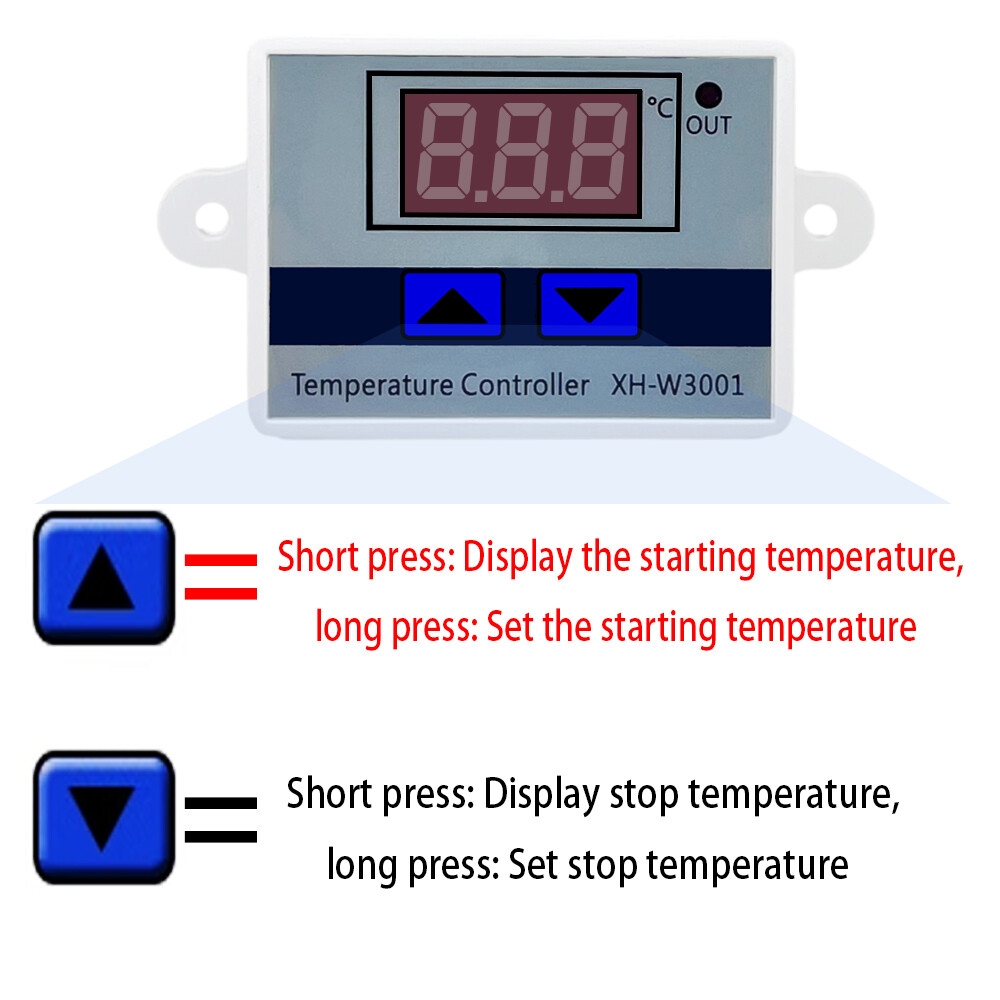
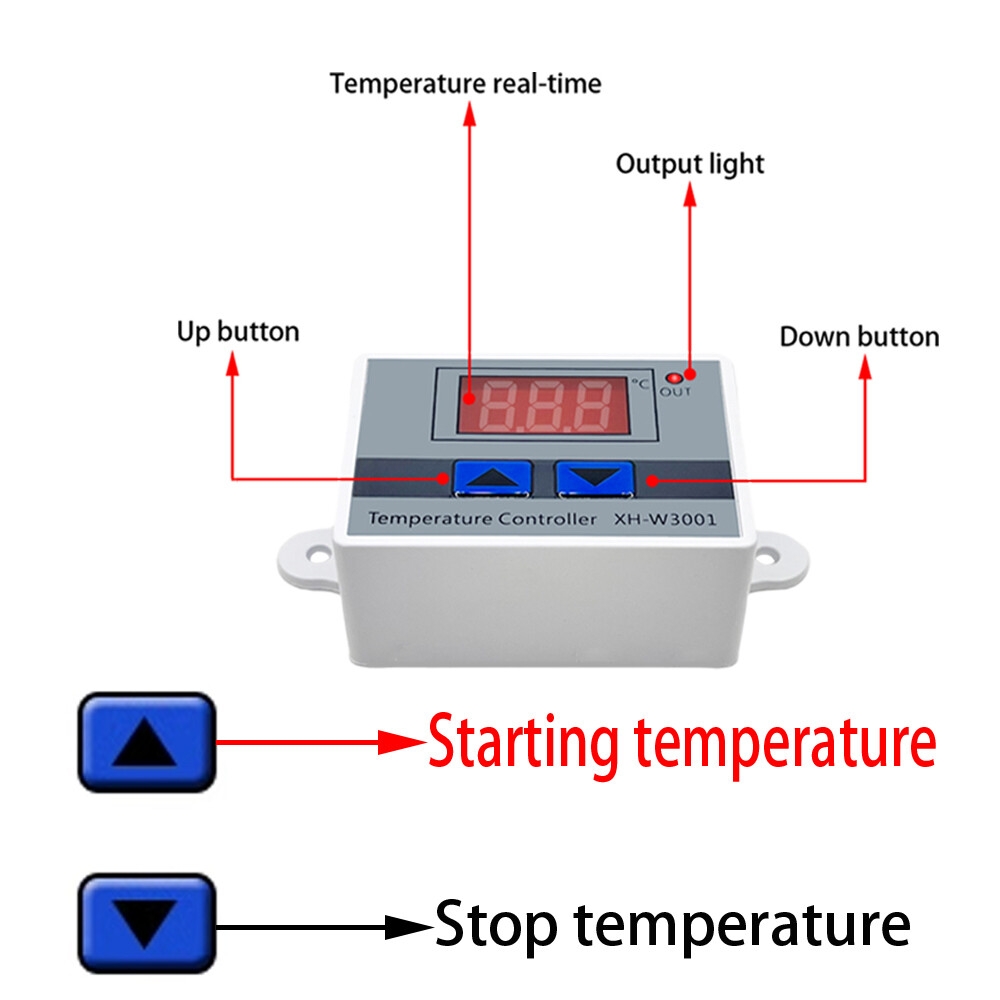
1. Press up button show the starting temperature.
2. Long press UP button the temperature display Flashing , Press the UP or Down button.
3. Set the start temperature value.
4. Press Down button show the Stop temperature.
5. Long press Down button the temperature display Flashing , press the UP or Down.
6. Button Set the stop temperature value
Handling Instruction
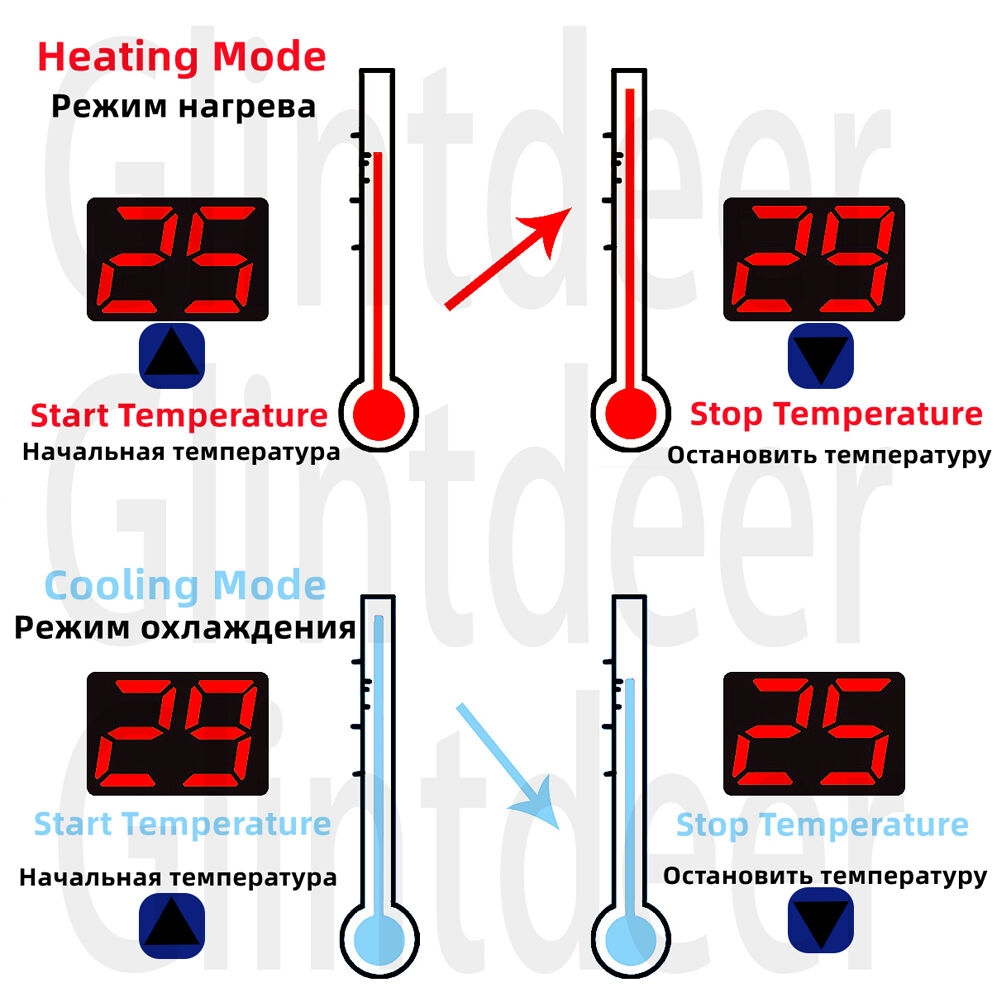
Intelligent judgment of working mode :
Start temperature < stop temperature = heating mode
Start temperature > stop temperature = cooling mode
Heating Mode:
Setting essentials: start temperature < stop temperature (the program automatically determines that the working mode is heating mode).
Setting Method:
1. Press and hold the up button for a long time, and the starting temperature flashes. Set the starting temperature value by pressing the up and down buttons.
2. Press and hold down the down button to stop the temperature flashing, and set the stop temperature value through the up and down keys.
Use case:Control the water heater, stop heating to 65°C, and start heating again when the temperature drops to 50 C. How to set it?
Step 1: Make sure the working mode is heating mode, and the starting temperature is less than the stopping temperature.
Step 2: press and hold the up button for a long time, and the starting temperature will flash. Set the starting temperature to 50°C through the up and down buttons.
Step 3: press and hold down the down button to stop the temperature flashing, and set the stop temperature to 65°C through the up and down buttons, and the setting is complete!
Cooling Mode:
Setting essentials: start temperature > stop temperature (the program automatically determines that the working mode is refrigeration mode).
Setting Method:
1. Press and hold the up button for a long time, and the starting temperature flashes. Set the starting temperature value by pressing the up and down buttons.
2. Press and hold down the down button to stop the temperature flashing, and set the stop temperature value through the up and down keys.
Use case:Control the farm, stop the ventilation until 26*C, and start the refrigeration again when the temperature rises to 28 C. How to set it?
Step 1: determine the working mode as refrigeration mode, and the starting temperature > stopping temperature.
Step 2: press and hold the up button for a long time, and the startup temperature will flash. Set the startup temperature to 28°C through the up and down buttons.
Step 3: press and hold the down button to stop the temperature flashing, and set the stop temperature to 26*C through the up and down keys, and the setting is complete!
Tips:
When setting the heating mode, if you accidentally set the set temperature value upside down,The output indicator light will not light up and the load will not work. If the above appears after the setting is completed,you can check whether the set temperature value is reversed.
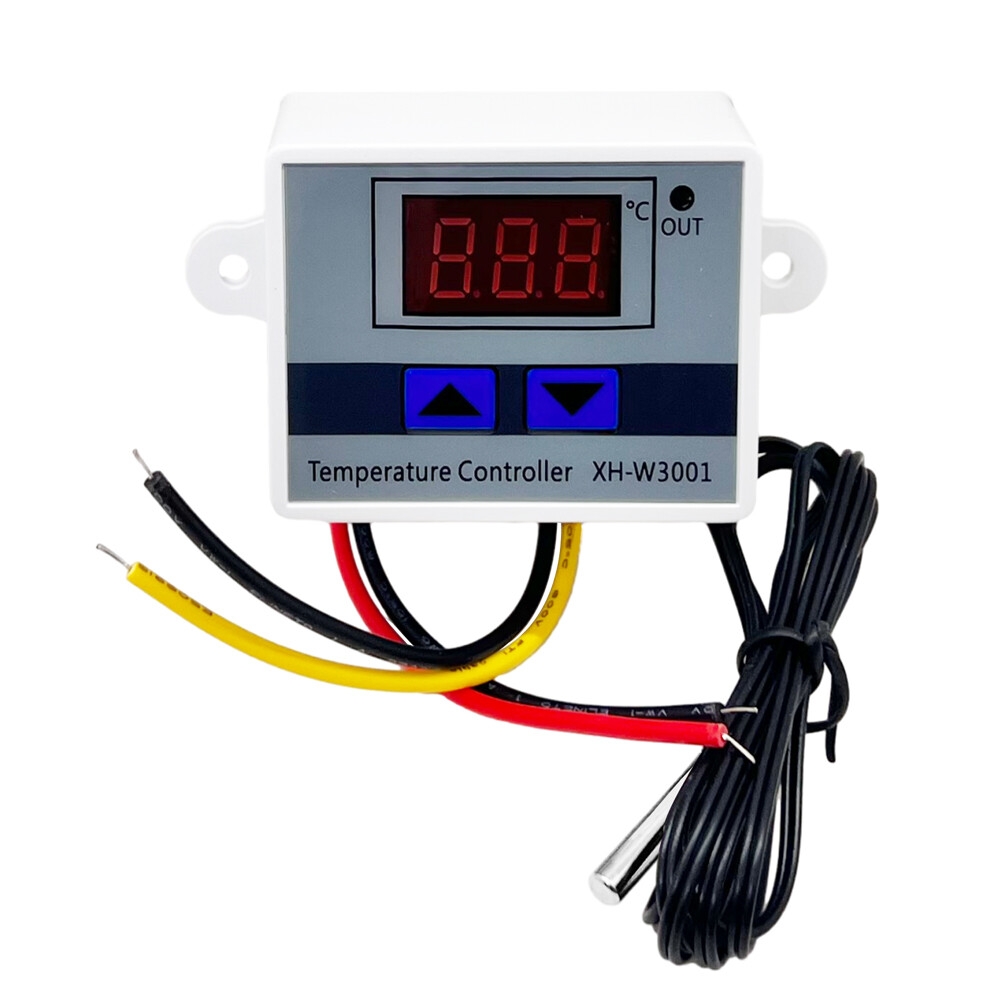
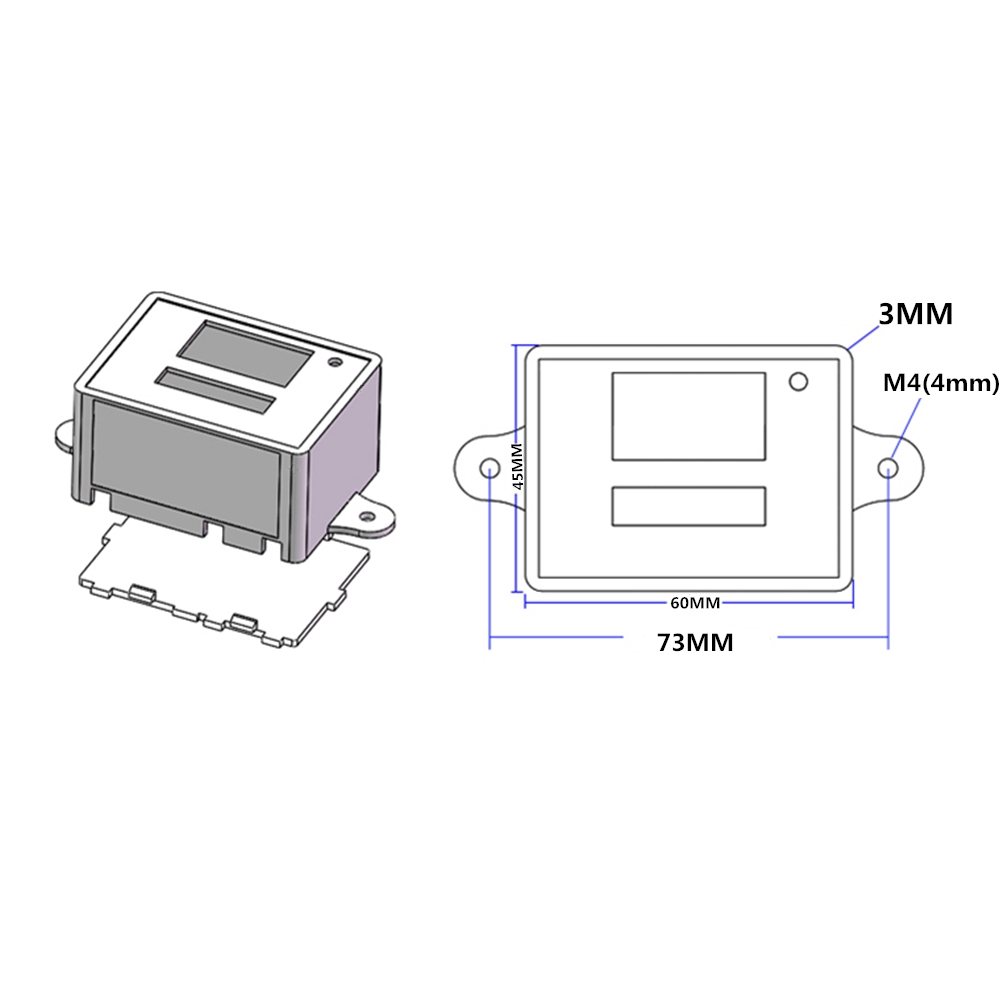
1 × Digital Temperature Controller Switch
1 verified rating
arrived in good condition and working properly
/product/18/7483623/1.jpg?4254)
Subscribe to our newsletter
and be the first one to know about our amazing deals