diagnosis report printing, emailing or sharing via whatsapp
Live data stream graphing: a visual comparison of multiple real-time data to better understand your car.
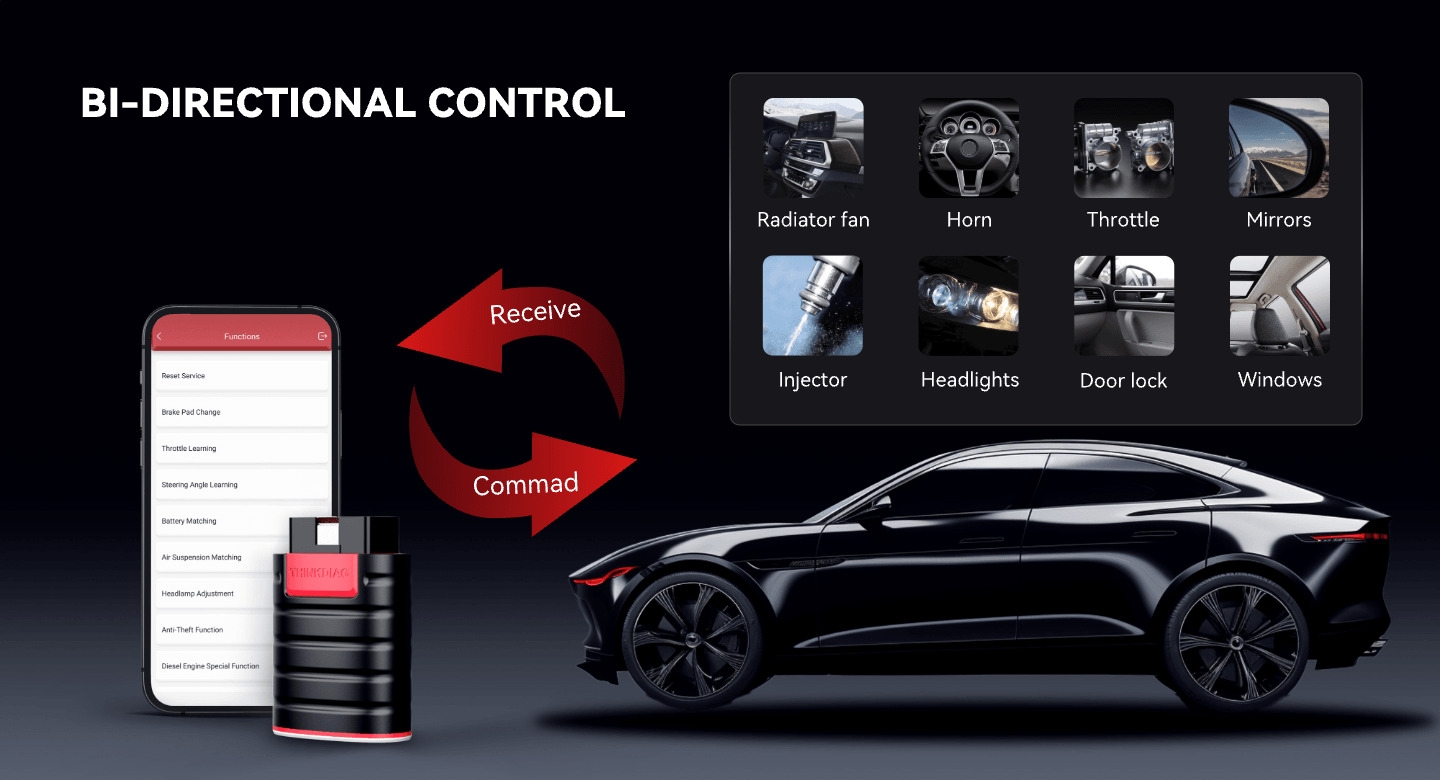
Actuation tests: test each system actuator such as doors, windows or windscreen wipers to identify malfunction causes.
Enhanced tests for full electronic control system (such as ABS and SRS).Palm-sized, portable, and powerful diagnostic tool that fits in your pocket.
Special functions of 115 car brands that are specific to each car model or series so you don't need multiple expensive special equipments
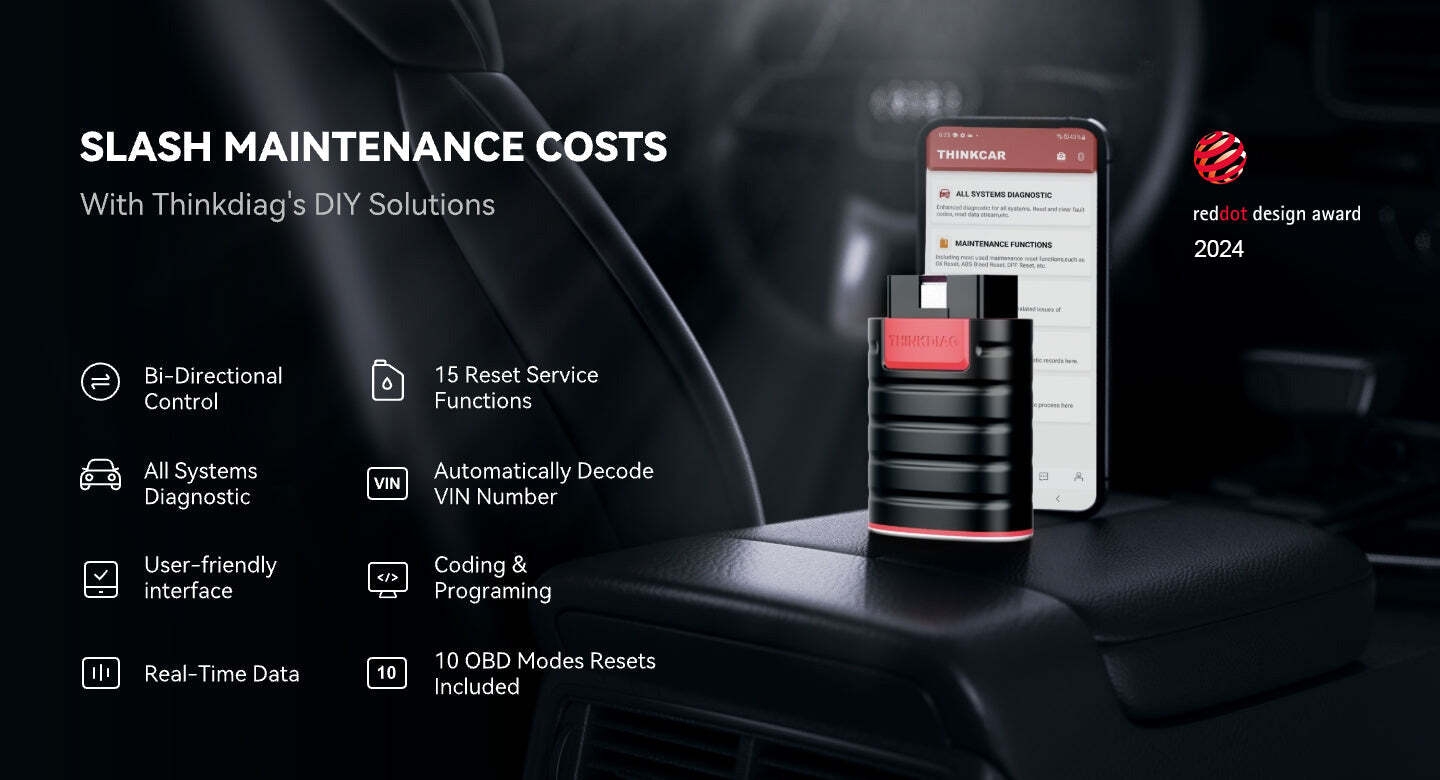
15+ Advanced Reset & Calibration Functions】The Thinkdiag scanner provides 15+ professional maintenance functions, including:✔ Oil Reset | ✔ ABS Bleeding | ✔ Injector Coding | ✔ SAS Reset✔ TPMS Reset | ✔ BMS Reset | ✔ Transmission Adaptation | ✔ AFS Reset | ✔ Sunroof Calibration | ✔ Brake Reset | ✔ Suspension Relearn | ✔ Electronic Throttle Relearn | ✔ Seat Calibration | + More reset/relearn/calibrate/adaptive functions under automotive full systems diagnostic menu. Ideal professional OBDII scanner for mechanics and DIY enthusiasts, Thinkdiag delivers factory level diagnostics with adaptive relearn capabilities for precise vehicle servicing.
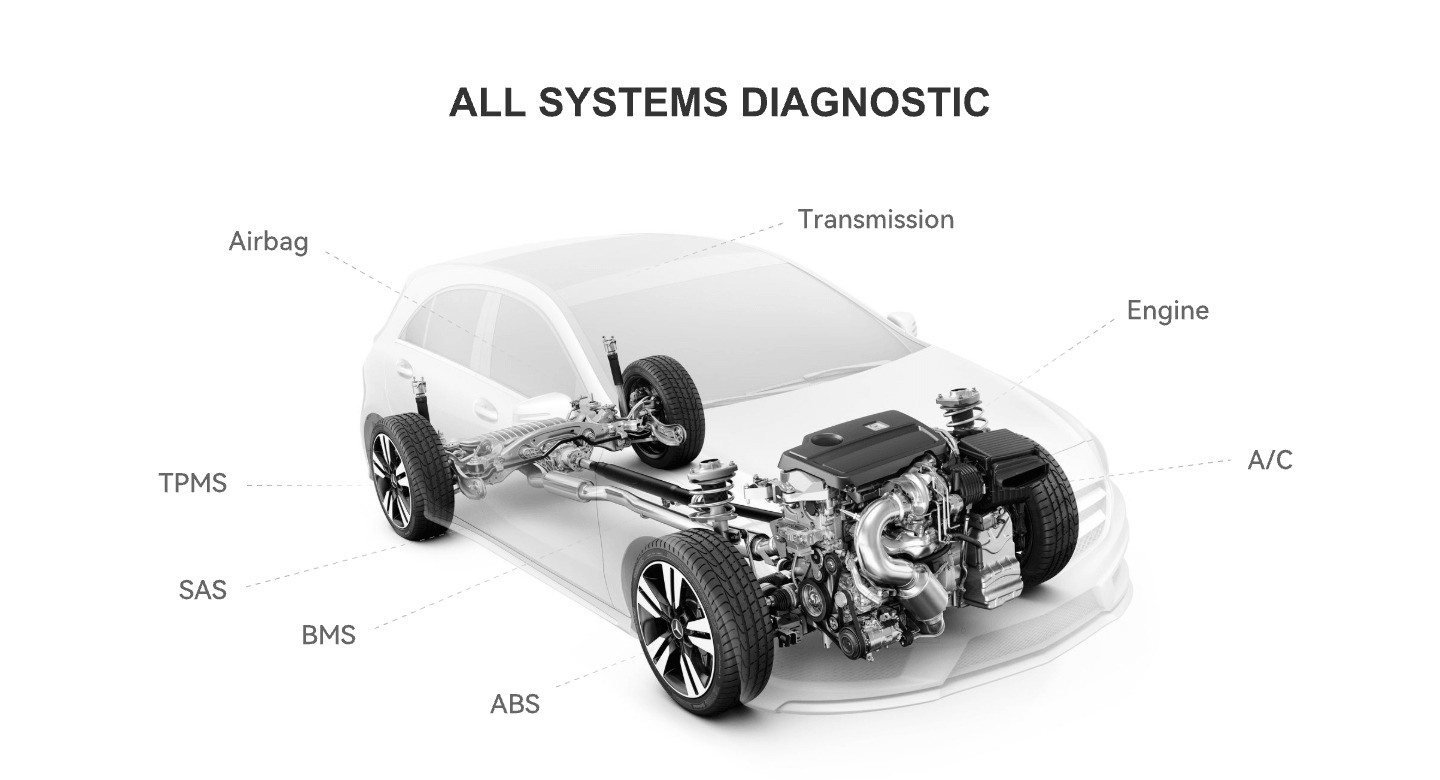
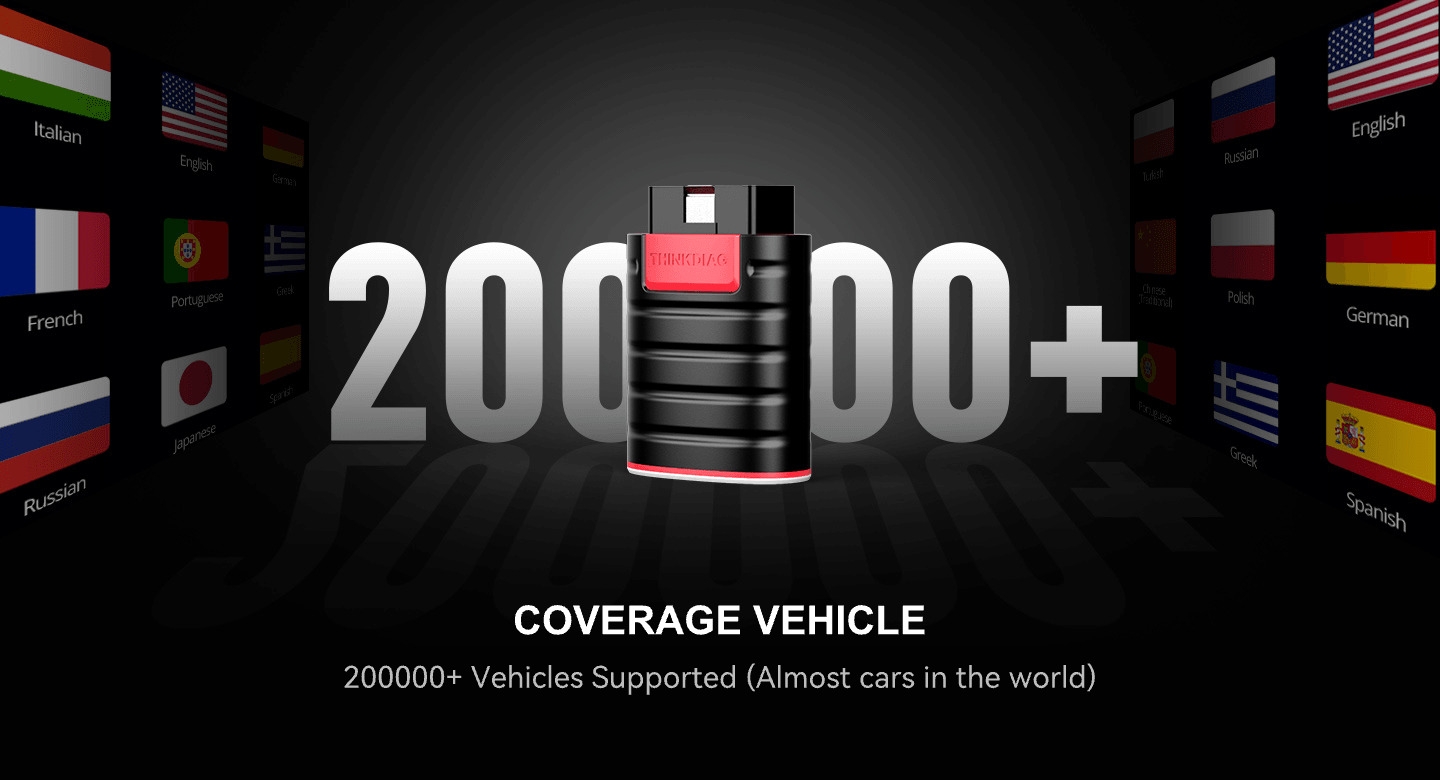
【Full-System Diagnostics OBD2 Scanner Bluetooth】 Thinkdiag OBD2 Scanner supports all Systems diagnostic function, it can read/clear DTCs, read live data, read control module information, actuation tests and maintenance functions for ECM, BCM, SRS, TCM, BMS, TPMS, SAS, A/C system etc... It works with most car models after 1996, cover more than 120+ car brands. All car make and reset software come with 1 year update without any charge, much valuable and powerful than other scanners in the market.
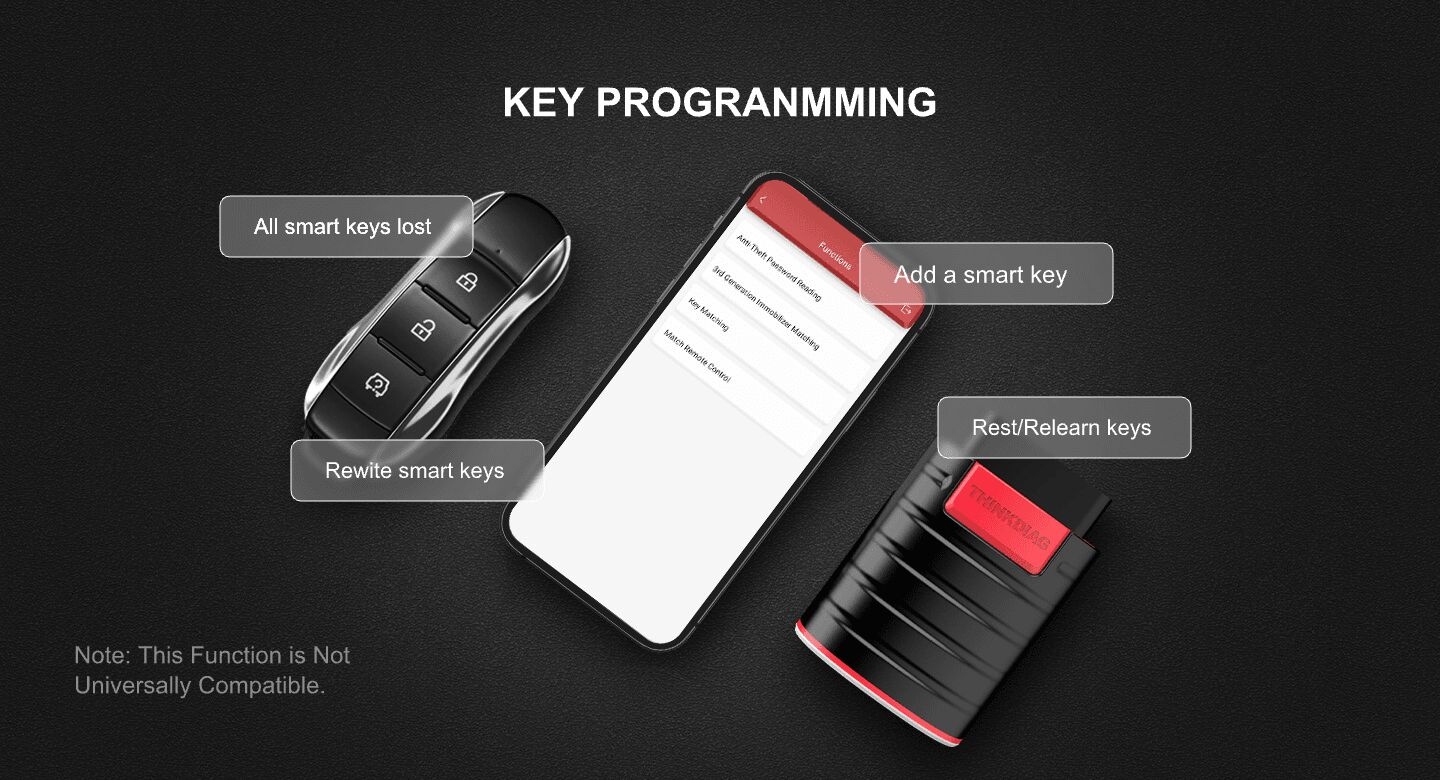
【Potential Feature Activation】 Thinkdiag diagnose obd2 scanner Bluetooth allows you to match the replaced components with ECU, activate potential functions for BMW, for GM, for Benz etc. Adjust some annoying features, adapt vehicle's settings to improve performance. No matter you are private owner or professional technician, Thinkdiag is a powerful and handy scanner in your repair tool list. Potential features activate is not suitable for every car models, please check with us before purchase. This superior function required newest Android OS device, it performs better on Android cell phone.
【Bidirectional Test/Active Test】 Thinkdiag car code reader actuates solenoids and actuators for active testing, send commands to systems/components to test their real-time working status, without using manual vehicle controls which saves much diagnostic time and effort to identify malfunction causes. You can check windows, doors, mirrors, sunroof, fans, fuel pump and other parts working status by actuation test function. Recommend to do reset functions under car make software, and please check the capability before order.
【Intelligent Diagnostic Tool with Auto-VIN】Thinkdiag Bluetooth OBD2 scanner makes your smart phone device become a professional vehicle diagnostic tool, it compatible with Android and iOS system. Auto-VIN function supports the Thinkdiag identifies the most car models automatically, if autovin failed, you can choose car info manually. Full system Vehicle health report will be automatically created after diagnosis, report can be shared. Live Data Stream combined 4-in-1 Graphing+Data Record better for monitoring vehicle performance and analyze the abnormal parameter.
【FCA AutoAuth Compatibility】Register with Auto-Auth to enable Thinkdiag to communicate with the FCA SGW Authentication System and bypass the SGM, so as to perform diagnostics and bidirectionals without using a bypass cable. But currently using this function needs to be paid For FCA account, you can choose to use it or not. Or you can use 12+8 bypass adapter cable to diagnose, this feature locates in thinkdiag app profile named FCA diagnostic.
Specifications
Key Features
• ECU coding + Bi-Directional/Active test • Full system diagnostic + 15 maintenance functions • Adaptation + IMMO Key Matching + Auto VIN • Covers 98% of car models available in the market • Support 15+ languages • All Software: All Vehicle Brands; Single Software: For One Vehicle Brand
What’s in the box
1* Scanner
2* Guides
Activation Process
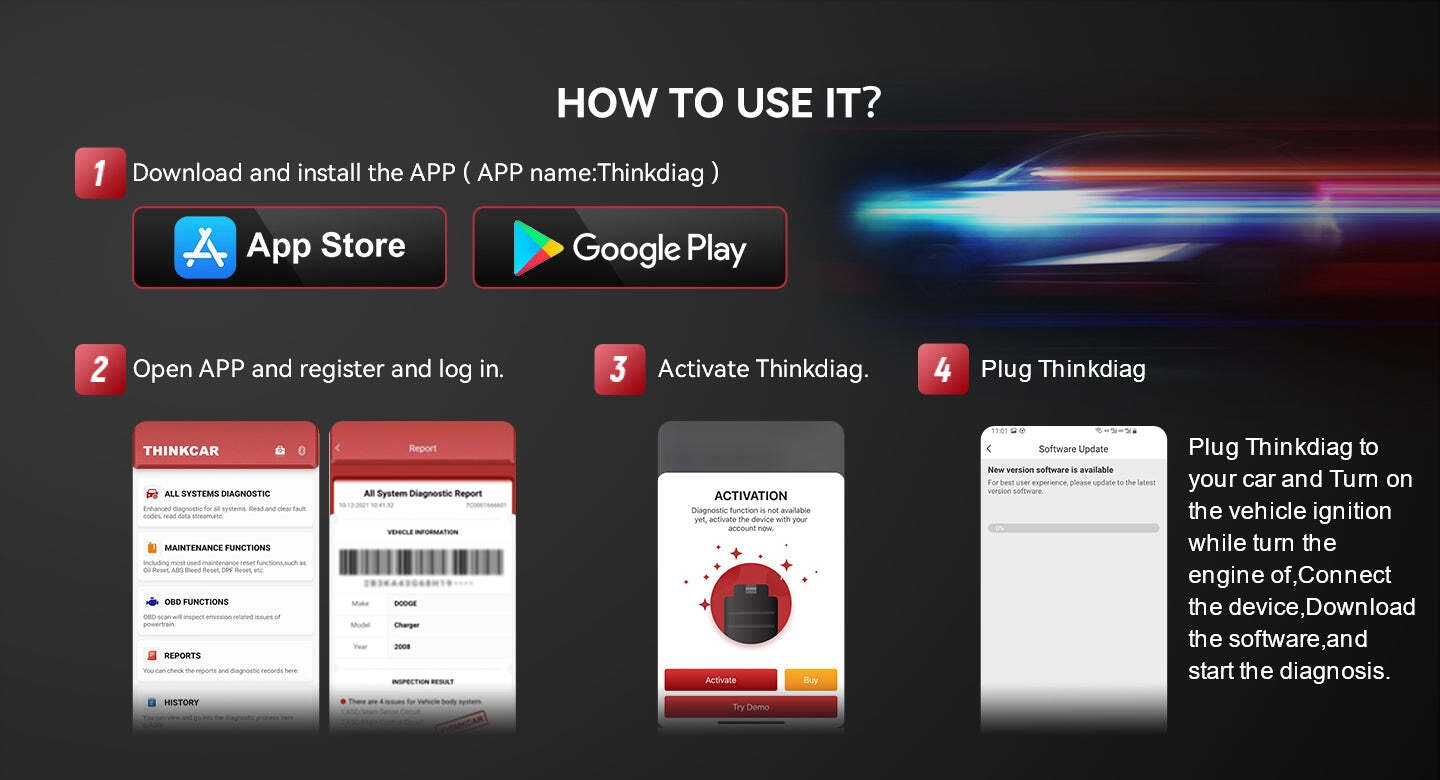
Obd2 scanner bluetooth iphone & android obd2 scanner. You must activate the product to use the full software and functions for a one-year free update. 1. Download the APP 2. Register Account 3. Login Account 4. Personal Center 5. Activation 6. Enter the activation code You can access all the functions a few Seconds after you enter the activation. If using the device requires an extra fee, please clear the cookies in settings and, sign out, then log in to the app. Full software will be available.

/product/47/1180723/1.jpg?4170)
/product/47/1180723/2.jpg?4170)
/product/47/1180723/3.jpg?4170)
/product/47/1180723/4.jpg?4170)
/product/47/1180723/5.jpg?4170)
/product/47/1180723/6.jpg?4170)
/product/47/1180723/7.jpg?4170)
/product/47/1180723/8.jpg?4170)


/product/47/1180723/1.jpg?4170)