HomeOled laptops
Shipped From
Price (KSh)
-
Discount Percentage
Brand
Warranty
Official Stores
Oled laptops
(62 products found)


Asus ROG Zephyrus G16 (GU605MV),Intel Core Ultra 9 185H 2.3 GHz, 16GB + 16GB(32GB) LPDDR5X onboard, 1TB M.2 NVMe SSD, 16.0" WQXGA 2.5k (2560x1600) OLED IPS level ROG Nebula Display, NVIDIA GeForce RTX 4060 8GB ,Windows 11, Color: Platinum White, 1YR warranty
KSh 420,000


Asus Zenbook 14 OLED (UX3405), 14.0-inch, 3K OLED, Touch Screen, Intel® Core™ Ultra 9, 16GB LPDDR5X, 1TB SSD, Intel® AI Boost NPU, Intel® Arc™ Graphics, Windows 11 Home - ASUS SLEEVE + Stylus(1YR WRTY)
KSh 199,000
Low Stock
Official Store


Out of Stock
Hp Elite x360 1040 G11 2-in-1 Ai Laptop, Intel Core Ultra 7 155H, 32GB RAM, 1TB SSD, Windows 11 Pro, 14" 2.8K OLED Touch, Pike Silver
KSh 262,000

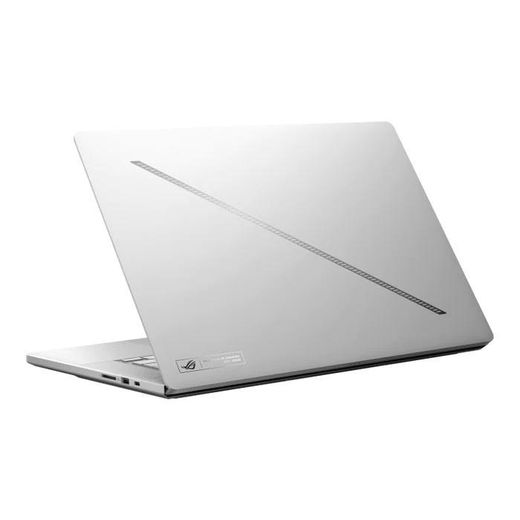


Asus ROG Zephyrus G16 (2025) GU605CR 16-Inch 2.5K 240Hz OLED Display Intel® Core™ Ultra 9 285H Processor 32GB RAM 1TB SSD Intel® AI Boost NPU up to 13TOPS 12GB GDDR7 NVIDIA® GeForce RTX™ 5070 Ti Laptop GPU Windows 11 Home- Platinum White (1YR WRTY)
KSh 420,000
Low Stock
Official Store


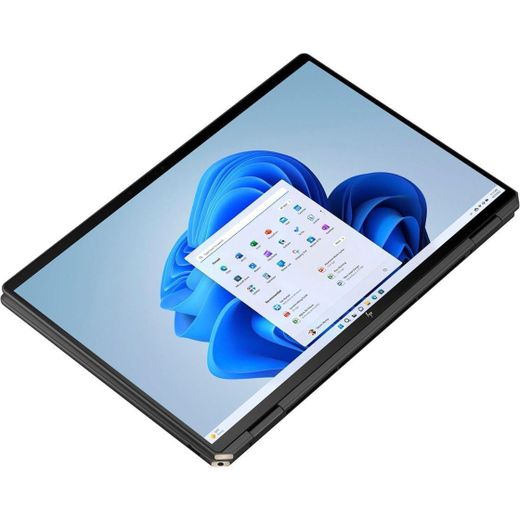
Asus Zenbook 14 OLED (UX3405M) 14.0-inch 3K (2880 x 1800) OLED Display Intel® Core™ Ultra 7 Processor 155H 1.4 GHz
KSh 250,000
Low Stock


Out of Stock
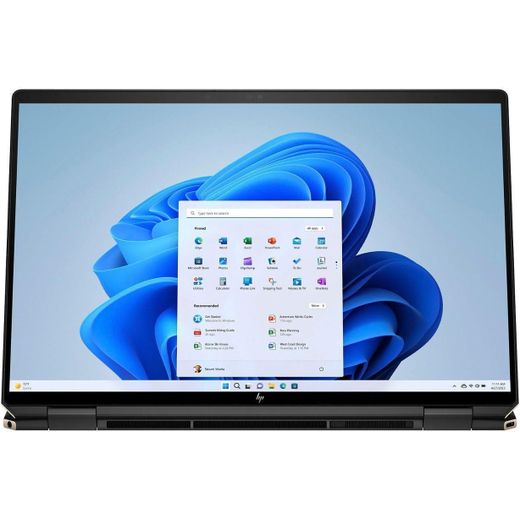
Hp Brand New Spectre x360 14" 2-in-1 OLED Laptop, Intel Ultra 7-155H, 32GB LPDDR5X RAM, 2TB PCIe SSD, Intel Arc Graphics, 2.8K UWVA Touch Display, Windows 11 Home & Business
KSh 260,000


Out of Stock
Hp OmniBook Ultra Flip Ai Laptop, Intel Core Ultra 7 256V, 16GB RAM, 1TB SSD, Windows 11 Home, 14" 3K OLED Touch Screen, Eclipse Gray
KSh 220,000


Out of Stock
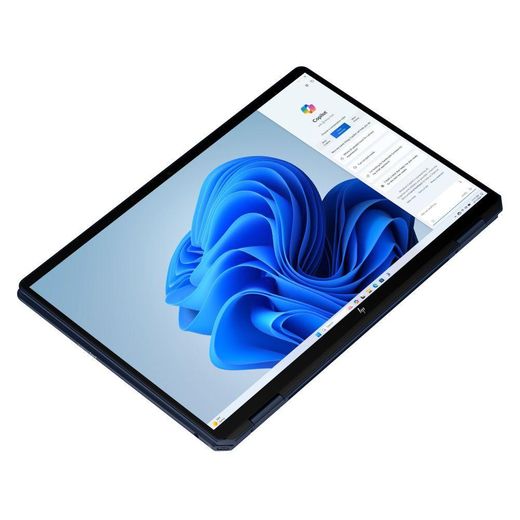
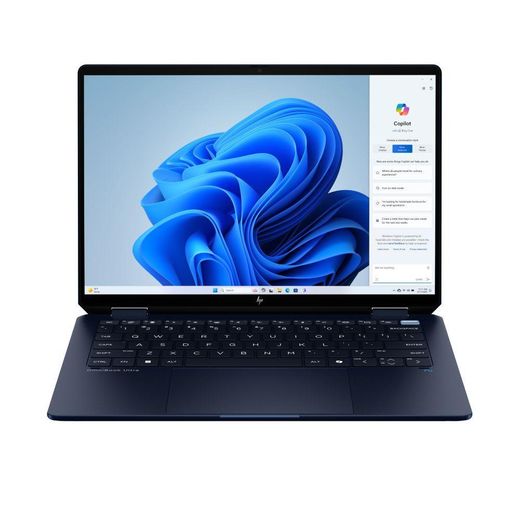
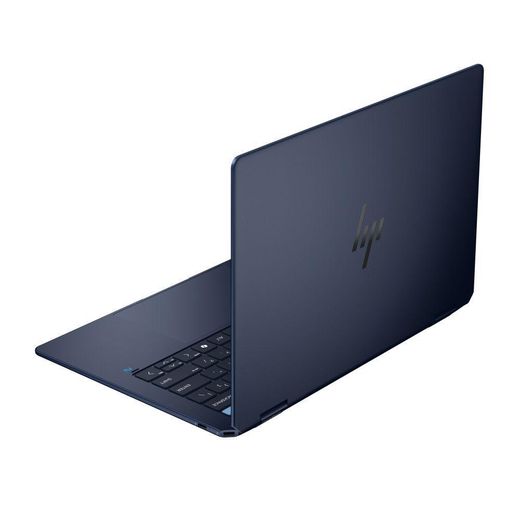
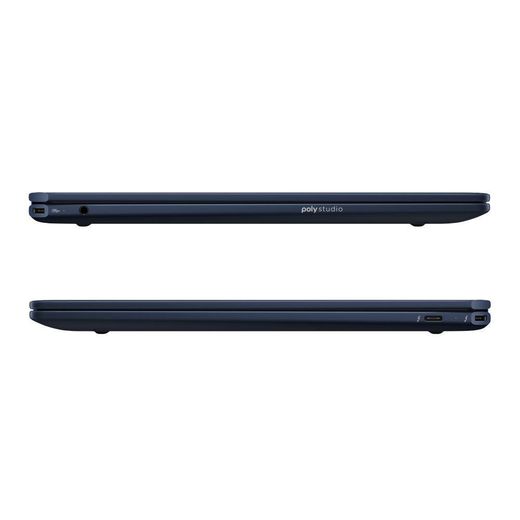
Hp OmniBook Ultra Flip Ai Laptop, Intel Core Ultra 7 256V, 16GB RAM, 1TB SSD, Windows 11 Home, 14" 3K OLED Touch Screen, Atmospheric Blue
KSh 235,000
Out of Stock
Hp OmniBook Ultra Flip 2-in-1 Ai Laptop, Intel Core Ultra 7 256V, 16GB RAM, 512GB SSD, Windows 11 Home, 14" 3K OLED Touch Screen, Atmospheric Blue
KSh 220,000


Asus Zenbook 14 OLED UX3402Z intel core i7 16GB 512GB 14 inch touchscreen
KSh 200,000
Low Stock


Out of Stock
Asus Zenbook 14 OLED Intel Core Ultra 9 285H Processor Intel AI
KSh 292,499


Out of Stock
Asus Zenbook 14 OLED Intel Core Ultra 9 285H Processor Intel AI - Affordable Notebooks
KSh 292,499


Out of Stock
Asus Zenbook 14 OLED Intel Core Ultra 9 285H Processor Intel AI - Notebooks
KSh 292,499

Out of Stock
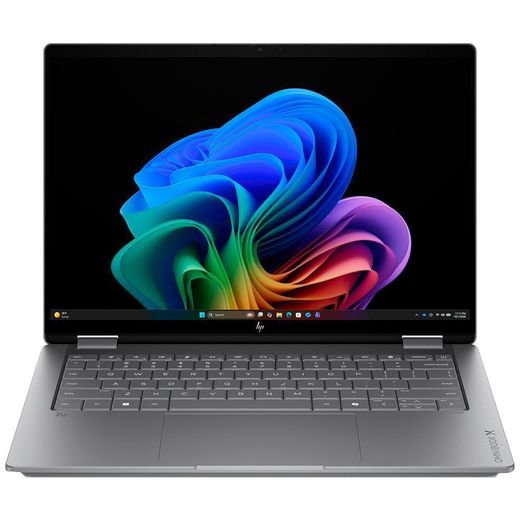
Hp OmniBook X FlipNGAI 14-kb0023dx (D3KN6UA) 14" 2K UWVA OLED - Notebooks
KSh 247,499


Out of Stock
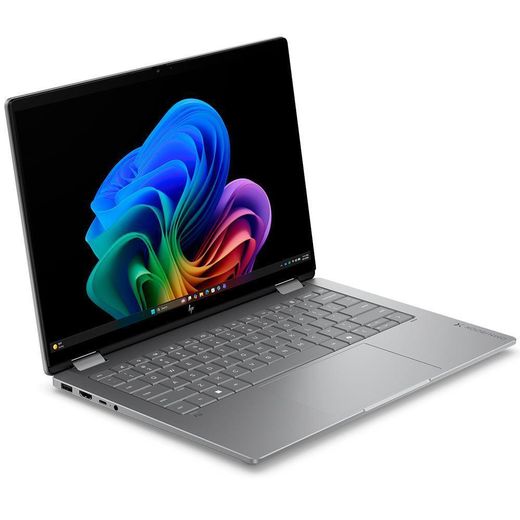
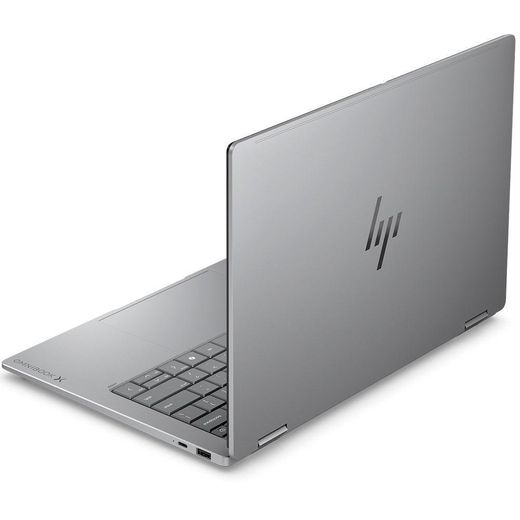
Asus Zenbook 14 OLED Intel Core Ultra 9 285H Processor Intel AI - Fast Delivery in Kenya
KSh 292,499
Out of Stock
Hp OmniBook X FlipNGAI 14-kb0023dx (D3KN6UA) 14" 2K UWVA OLED - Affordable Notebooks
KSh 247,499


Asus Zenbook A14 OLED
KSh 195,000
Low Stock
Official Store


Out of Stock
XPS 13 9320 (2023) , Intel core i7 32gb Ram 1TB SSD 12th Generation 16CPUs, 3.4k OLED Display 13Inch (Renewed)
KSh 130,000
KSh 135,000
-4%

Out of Stock
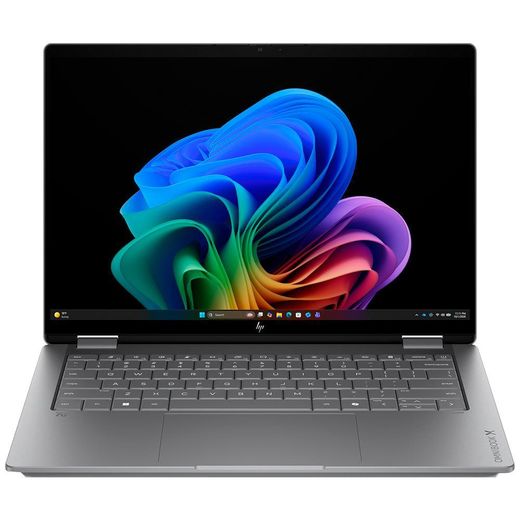
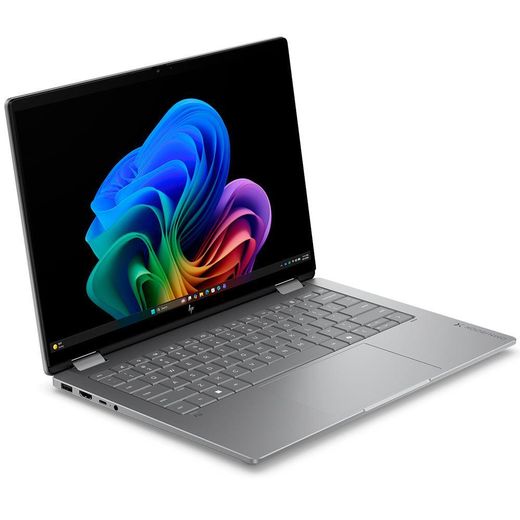
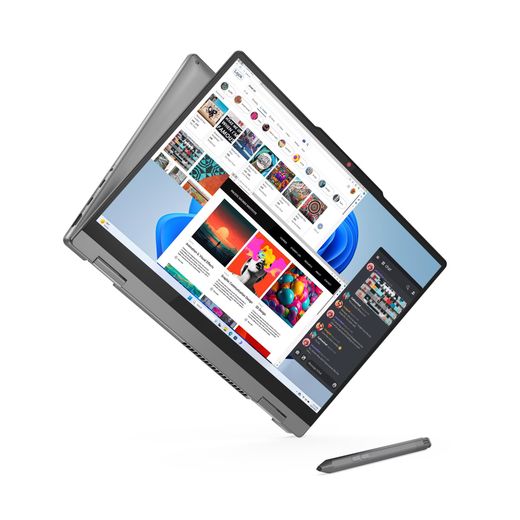
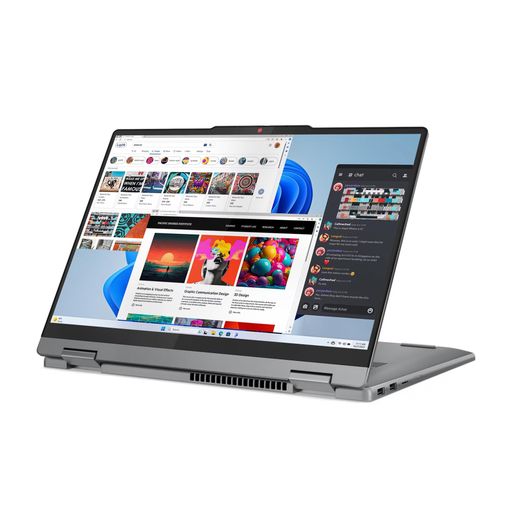
Hp OmniBook X FlipNGAI 14-kb0023dx (D3KN6UA) 14" 2K UWVA OLED
KSh 247,499
Out of Stock
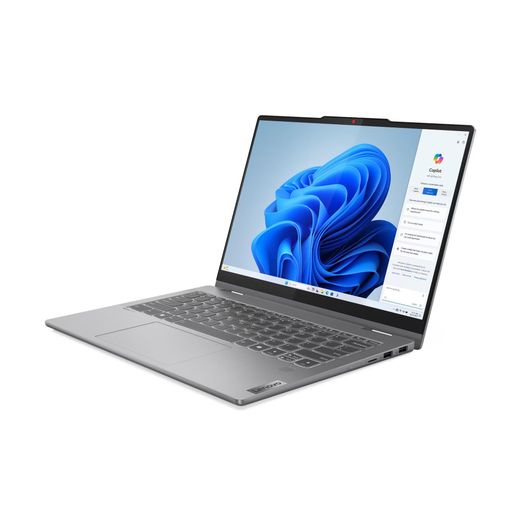
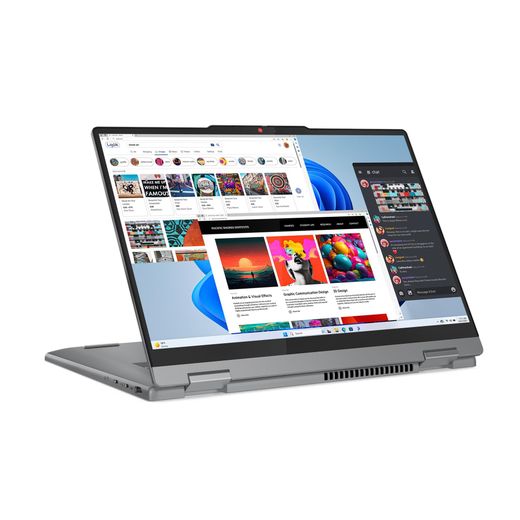
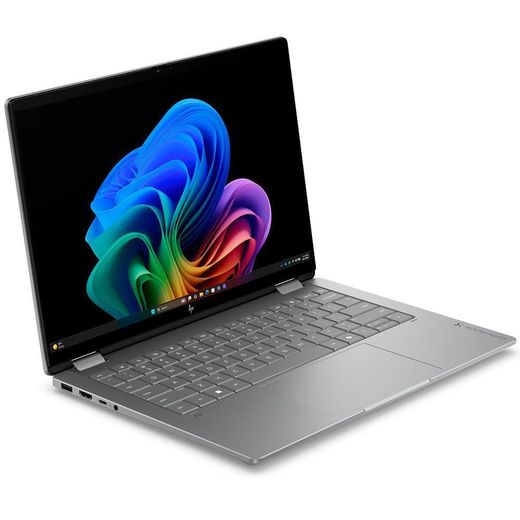
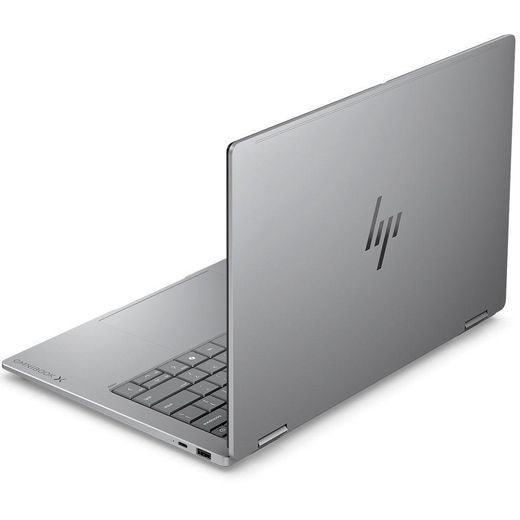
Lenovo IdeaPad 5 2-in-1 14IRH9 14" WUXGA OLED Touch Display Intel - 2 in 1 Laptops
KSh 179,999

Out of Stock
Hp OmniBook X FlipNGAI 14-kb0023dx (D3KN6UA) 14" 2K UWVA OLED - Fast Delivery in Kenya
KSh 247,499


Asus Vivobook S 14 S5406SA 14-Inch 3K 120Hz OLED Display Intel® Core™ Ultra 7 256V Processor 16GB RAM 1TB SSD Intel® Arc™ 140V Graphics Intel® AI Boost NPU up to 47 TOPS Windows 11 Home- Neutral Black (1YR WRTY)
KSh 162,000
Low Stock
Official Store


Hp OmniBook X Flip 2-in-1 14-KB0023 Intel® Core™ Ultra 7 355 (up to 4.8 GHz), 16 GB LPDDR5x-8533 MT/s (onboard) , 1 TB PCIe® Gen4 NVMe™ M.2 SSD, 14" diagonal 2K OLED touch display - Silver
KSh 185,000
KSh 190,000
-3%
Low Stock


Out of Stock
Asus ZenBook A14 (UX3407) Copilot PC 14" WUXGA OLED Display - Notebooks
KSh 314,999
Out of Stock
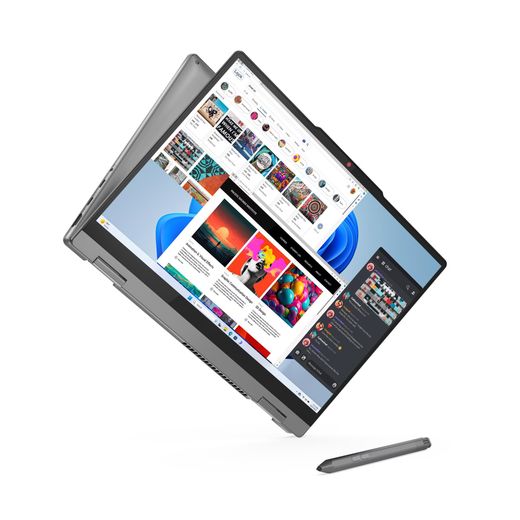
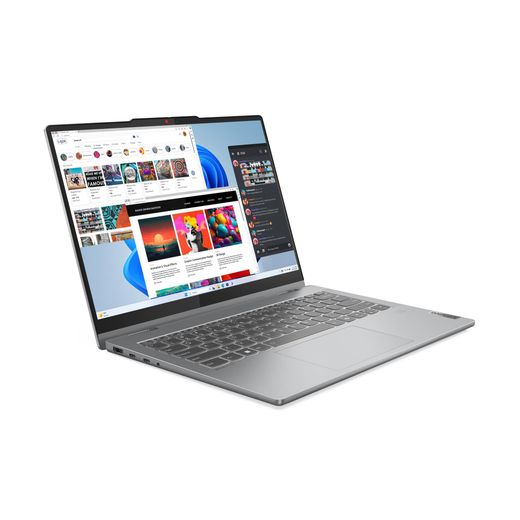
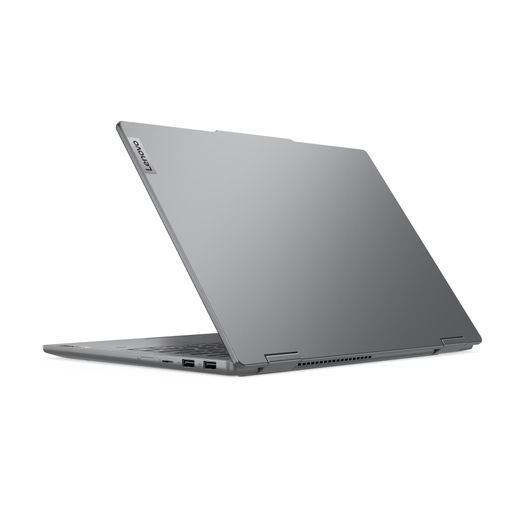
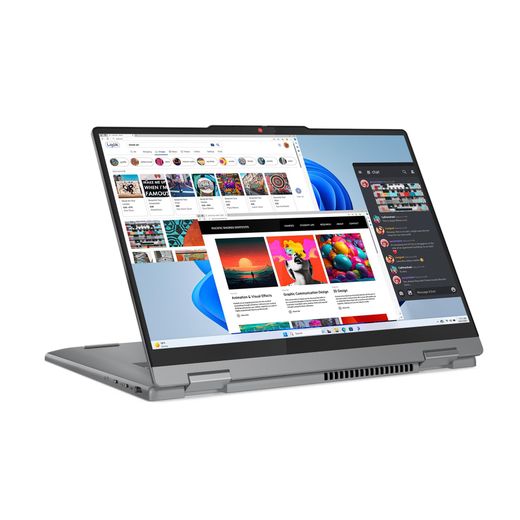
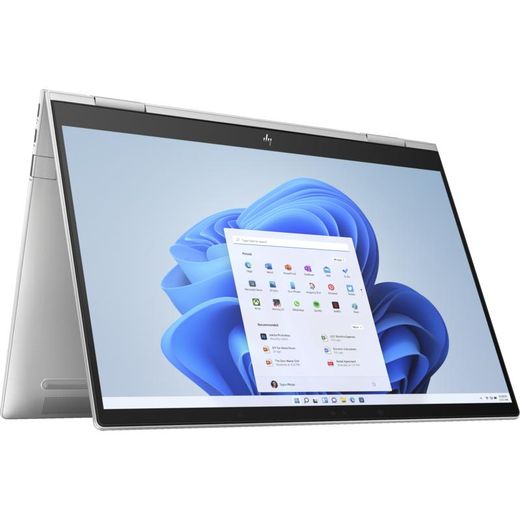
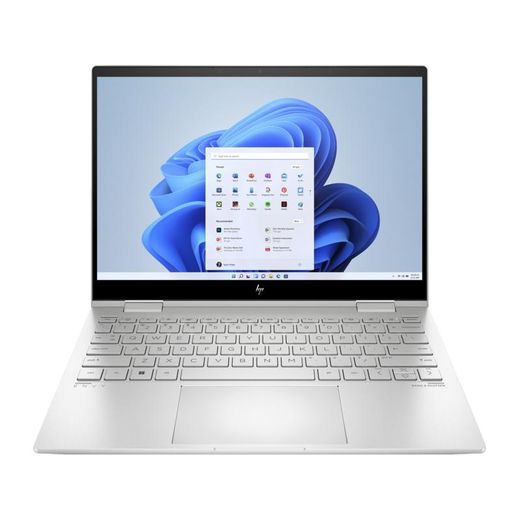
Lenovo IdeaPad 5 2-in-1 14IRH9 14" WUXGA OLED Touch Display Intel
KSh 179,999


Out of Stock
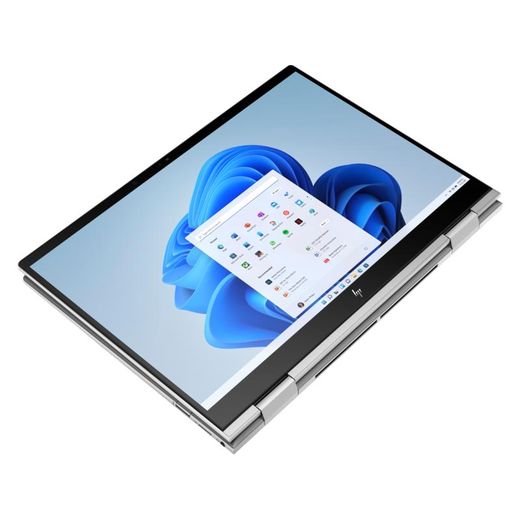
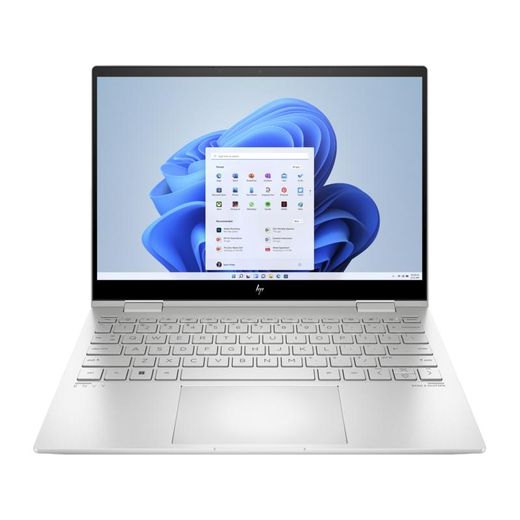
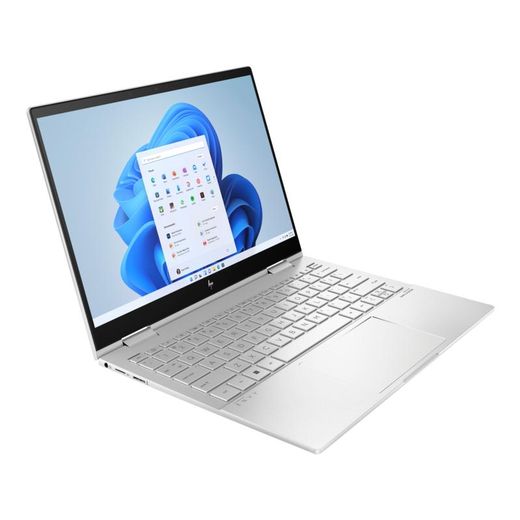
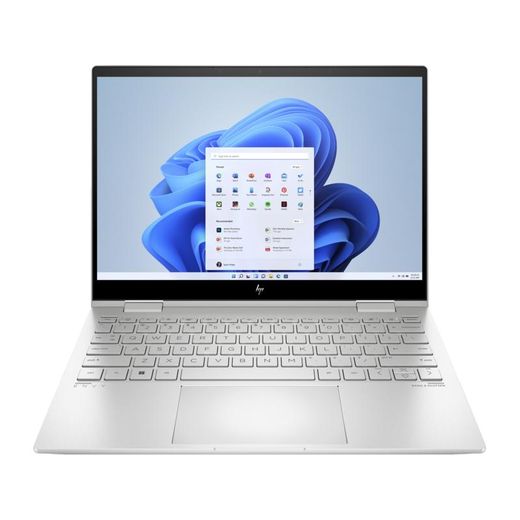
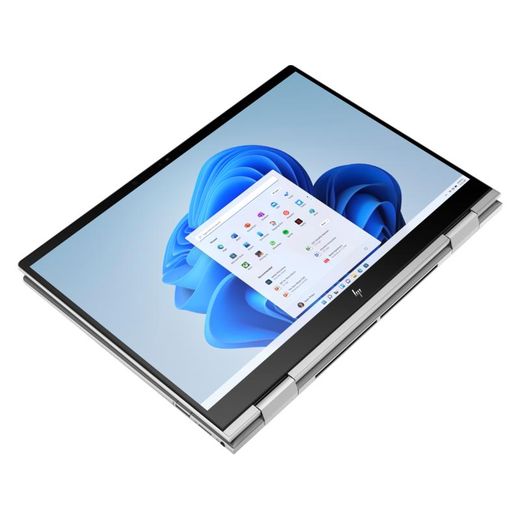
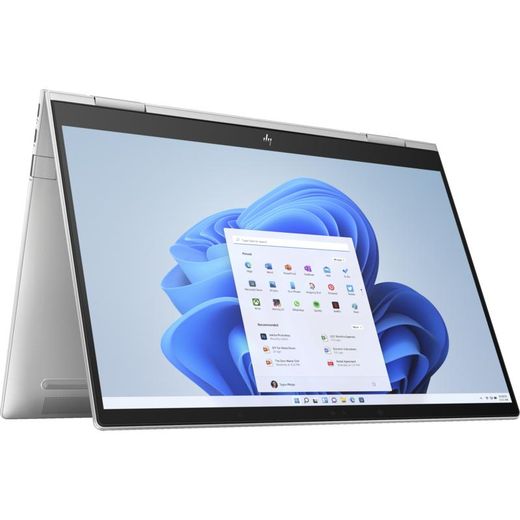
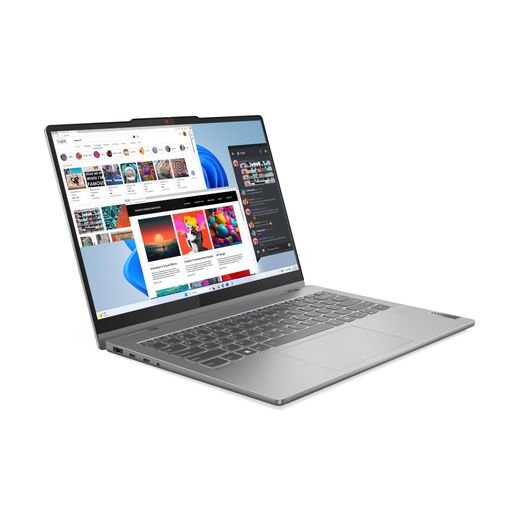
Hp Envy x360 2-in-1 Laptop 13-bf0123na 13.3 2.8K UWVA OLED - 2 in 1 Laptops
KSh 254,520


Out of Stock
Hp Envy x360 2-in-1 Laptop 13-bf0123na 13.3 2.8K UWVA OLED - Affordable 2 in 1 Laptops
KSh 246,960
Out of Stock
Hp Envy x360 2-in-1 Laptop 13-bf0123na 13.3 2.8K UWVA OLED - Fast Delivery in Kenya
KSh 250,740



Out of Stock
Lenovo IdeaPad 5 2-in-1 14IRH9 14" WUXGA OLED Touch Display Intel - Affordable 2 in 1 Laptops
KSh 179,999


Out of Stock
Hp Brand New Spectre x360 Home & Business 2-in-1 Laptop, Intel Ultra 7-155H, 32GB LPDDR5X RAM, 2TB PCIe SSD, Intel Arc Graphics, 14.0" 2.8K UWVA OLED Display
KSh 255,000


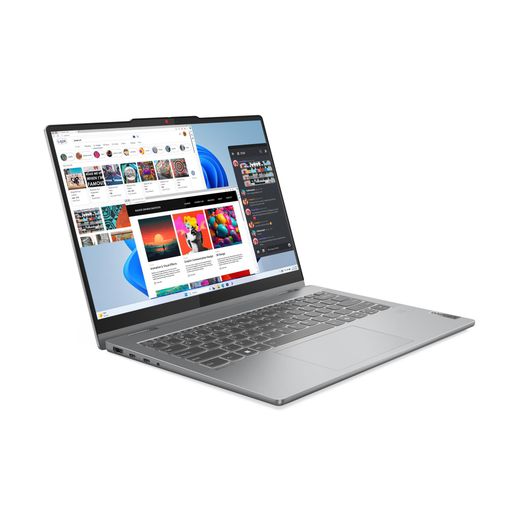
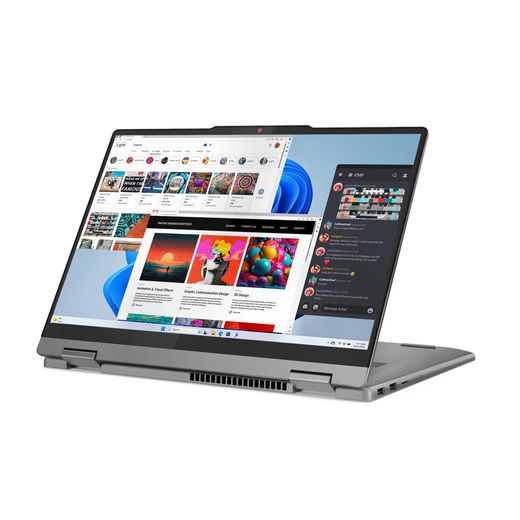
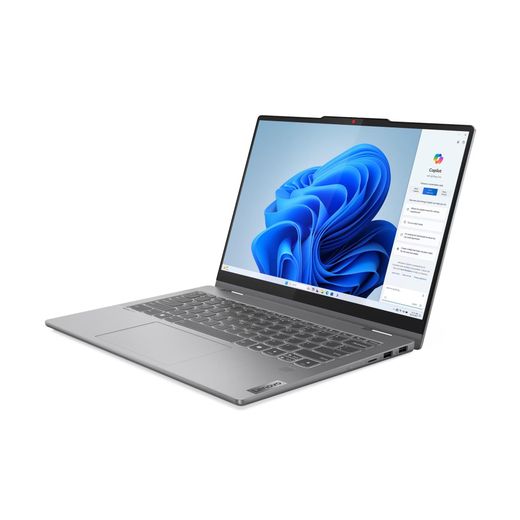
Lenovo IdeaPad Flex 5 (14" Intel) 2 in 1 Laptop, Intel i7 - 13620H 13th Gen @2.4GHz, 16 GB ram, 512 GB SSD Storage, 14 Inches FHD Display OLED Touch Screen
KSh 160,000
Low Stock

Out of Stock
Lenovo IdeaPad 5 2-in-1 14IRH9 14" WUXGA OLED Touch Display Intel - Fast Delivery in Kenya
KSh 179,999


Out of Stock
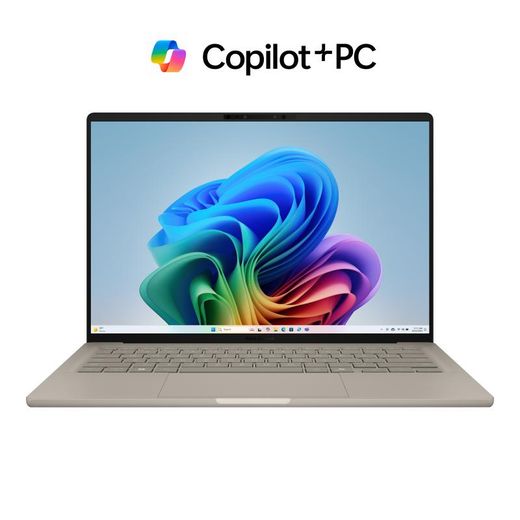
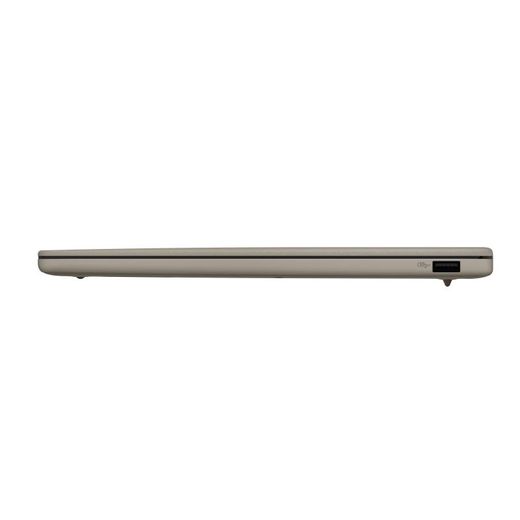
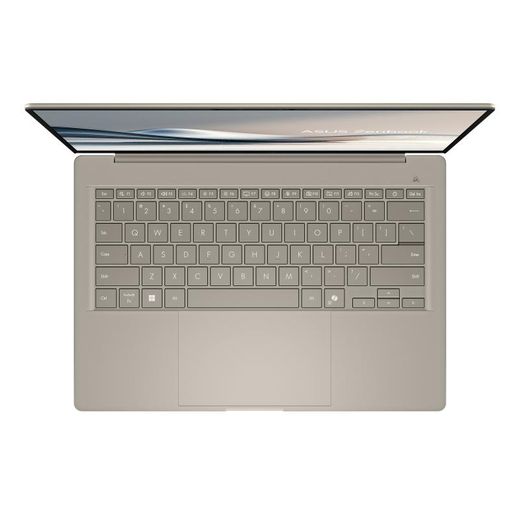
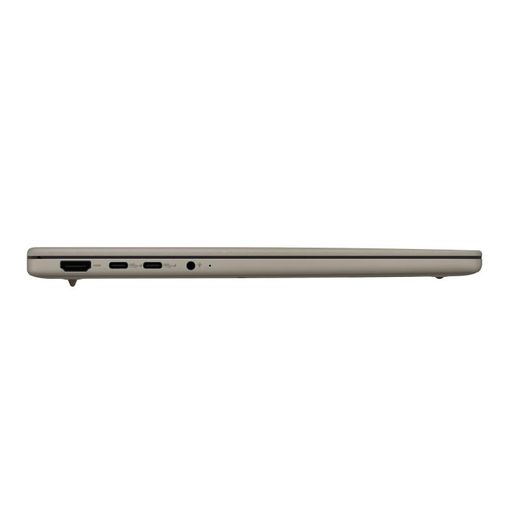
Asus ZenBook A14 (UX3407) Copilot PC 14" WUXGA OLED Display
KSh 314,999
Out of Stock
Asus Zenbook A14 OLED 14" WUXGA Display Qualcomm Snapdragon X X1
KSh 254,999


Out of Stock
Acer Predator Helios Neo 16S AI, Intel Core Ultra 9 275HX, 16GB RAM, 1TB SSD, 8GB NVIDIA GeForce RTX 5060, Windows 11 Home, 16" OLED, Obsidian Black
KSh 300,000


Out of Stock
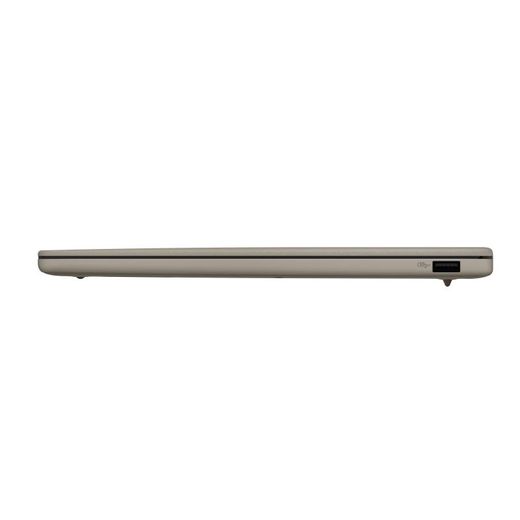
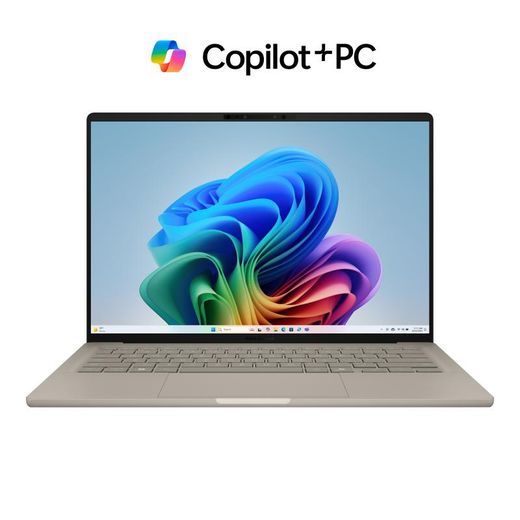
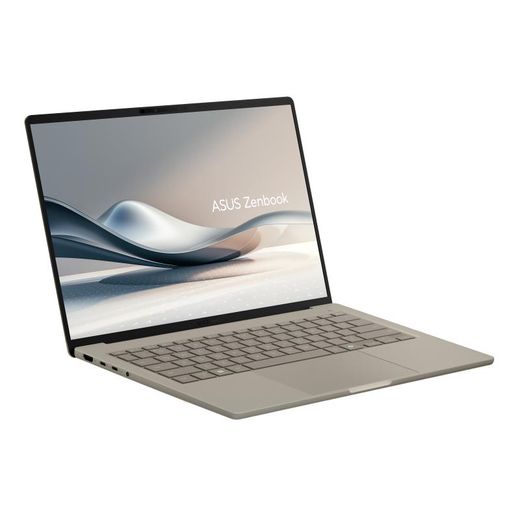
Asus Vivobook S14 14-Inch 3K 120Hz OLED Display Intel Core Ultra - Affordable Notebooks
KSh 210,749

Out of Stock
Asus Zenbook A14 OLED 14" WUXGA Display Qualcomm Snapdragon X X1 - Fast Delivery in Kenya
KSh 254,999


Out of Stock
Asus Vivobook S14 14-Inch 3K 120Hz OLED Display Intel Core Ultra - Fast Delivery in Kenya
KSh 210,749


Out of Stock
Asus ZenBook A14 (UX3407) Copilot PC 14" WUXGA OLED Display - Affordable Notebooks
KSh 314,999


Out of Stock
Asus ZenBook A14 (UX3407) Copilot PC 14" WUXGA OLED Display - Fast Delivery in Kenya
KSh 314,999
Frequently Asked Questions about Oled laptops
How do I choose an OLED laptop from this range to suit my needs?
Start by matching screen size, processor, memory, and storage to your daily tasks. The lineup includes 14- and 15.6-inch OLED models with 3K or 4K HDR displays, such as ZenBook and Spectre variants. Look for 16GB to 32GB RAM and 512GB to 2TB SSDs for smooth multitasking and fast boot times. Consider warranties (1-year to 2-year) and whether the OS and included accessories suit your workflow, such as stylus support or leather sleeves.
What are the key display features you should care about with OLED screens?
OLED panels in this set emphasize high resolution and HDR performance, including 4K OLED HDR and 3K OLED touch displays. Some models offer 120Hz refresh rates for smooth visuals, while others emphasize True Black/color accuracy with wide color gamuts. The range includes 14-inch and 16-inch variants, so you can select the balance between portability and immersive visuals based on your tasks like photo editing, video work, or gaming.
Which user profile benefits most from OLED laptops in this collection?
Creative professionals, designers, and power multitaskers will benefit most from OLED models due to vivid color, deep contrast, and ample RAM/storage. If you frequently run demanding apps, choose a configuration with 16GB–32GB RAM and 1TB–2TB storage. For students or travelers prioritizing portability, lighter 14-inch options with strong performance and long battery life offer a practical balance between screen quality and mobility.
What should I consider about ports and warranty when selecting an OLED model?
Check the I/O options, such as USB-C/Thunderbolt ports, HDMI, and card readers, to ensure compatibility with your peripherals. Warranty periods on these lines vary, commonly 1 year or longer, and some premium variants include extended coverage or warranty signaling. If you rely on cloud work or external devices, confirm the ports you need are present and that the warranty covers screen and motherboard components.
Are there any care tips to protect OLED panels and extend their life?
Avoid intense direct sunlight on the display when using the laptop for extended periods, and use the device within the recommended operating conditions. For longevity, manage brightness to balance visibility and battery life, and keep the system up to date with firmware that optimizes OLED performance. Regularly clean the display with a soft microfiber cloth to prevent dust buildup that could affect image quality over time.
How should I decide between 14-inch and 16-inch OLED options in this lineup?
Choose 14-inch models for maximum portability and easier travel, especially if you need a lighter device for commuting. If you prioritize larger workspace and immersive visuals for editing or gaming, a 16-inch option offers a broader canvas and, often, higher performance configurations. The assortment includes both sizes with varied RAM and storage, so align size with your mobility needs and the type of work you do most days.