HomeI2C Interface Module
Shipped From
Price (KSh)
-
Discount Percentage
Brand
I2C Interface Module
(10 products found)
Related results:


LCD 1602 Screen 16x2 Character LCD Display With IIC I2C Serial Interface Module For Arduino
5 (2)
KSh 1,240
KSh 1,680
-26%

Arduino I2C Interface Module.
5 (3)
KSh 320


EEPROM Data Storage Module For Arduino
5 (1)
KSh 450


2004 Character LCD With I2C Module Attached
5 (1)
KSh 1,200
Low Stock

Out of Stock
Arduino LCD1602 I2C Display, 16×2 Yellow Screen.
KSh 650


LCD 16x2 Blue backlight /w I2C
4 (2)
KSh 650

Arduino LCD1602 I2C Display, 16×2 Blue Screen.
KSh 650

Arduino PCA9306 2-Bit Bidirectional I²C Voltage Level Translator Module
KSh 900
Low Stock


LCD 16x2 Blue Backlight /W I2C
KSh 750

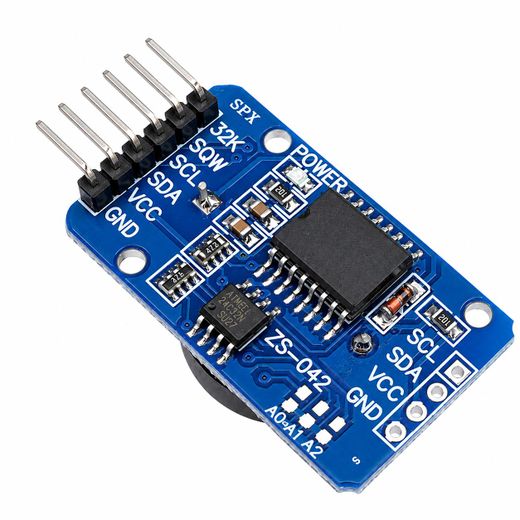
Arduino DS3231 RTC Module Real Time Clock
KSh 550
Frequently Asked Questions about I2C Interface Module
How do I choose the right I2C interface module for an LCD display?
Start by ensuring the module supports your LCD type and microcontroller, and offers a straightforward address option. The I2C backpack described uses the PCF8574 I/O expander, translates the display to the I2C bus, and allows wiring with only two data lines (SDA and SCL). It supports standard LCD1602 and LCD2004 displays, operates at 5V (3.3V compatible on some boards), and provides an adjustable I2C address via jumper for easy multi-display setups.
What are the key electrical and addressing details I should know?
The module operates at 5V DC, with some boards able to run at 3.3V. The default I2C address is 0x27, adjustable to 0x3F via a jumper. Wiring uses four pins: GND, VCC, SDA, and SCL, plus an onboard contrast potentiometer and a backlight control jumper. These settings determine how many displays you can connect on a single I2C bus and how easily you can differentiate multiple units.
Which displays are compatible with these I2C backpacks?
These backpacks are designed for HD44780-based displays, notably LCD1602 and LCD2004 modules. The PCF8574 I/O expander eases communication by converting the parallel interface to I2C, letting you drive two-line or four-line displays with minimal wiring and without tying up extra digital pins on your microcontroller.
How do I manage contrast and backlight on these modules?
Adjust contrast with the onboard potentiometer to dial in readability for your chosen display. Backlight is controlled via a dedicated jumper on some versions, enabling you to switch the LED backlight on or off as needed. This allows you to tailor legibility in different lighting conditions without swapping hardware.
What boards and platforms are commonly used with these modules?
These I2C backpacks are widely used with Arduino (Uno, Nano, Mega2560), ESP32, STM32, and Raspberry Pi projects. Their simple two-wire interface makes it easy to add an LCD display to various microcontroller ecosystems without consuming many I/O pins, which is especially helpful in compact or multi-sensor builds.
What should I watch out for when using multiple I2C devices on one bus?
Ensure each device has a unique I2C address and configure the addresses correctly with the provided jumpers. The 0x27 and 0x3F addresses are common options for these backpacks, so avoid duplicates on the same bus. Connect SDA and SCL properly, and verify that each display has stable power and that the overall bus voltage remains within your microcontroller’s tolerances to ensure reliable communication.