HomeSmart interface router
Shipped From
Price (KSh)
-
Discount Percentage
Brand
Smart interface router
(12 products found)
Related results:
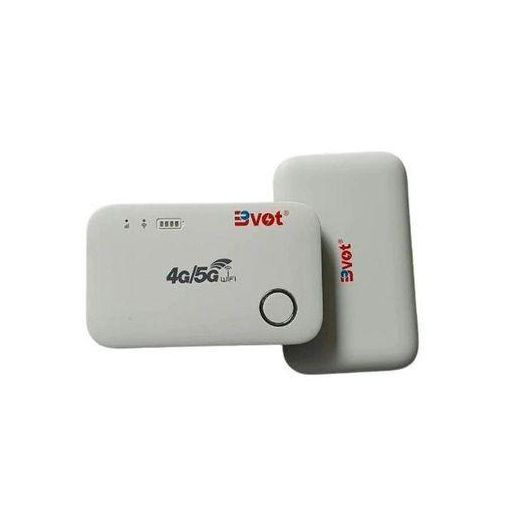
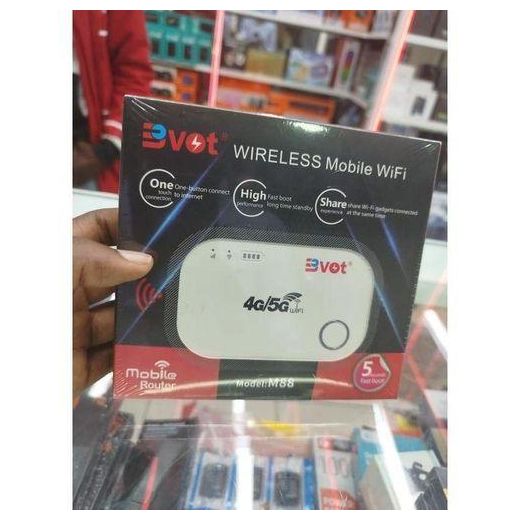
BVOT 4G/5G Mobile WiFi Router With Smart Interface & Ultra-Fast Download Speeds
KSh 4,760


BVOT 4G/5G Wireless Internet Router with Ultra-Fast Connection, Smart Interface & Power Saving Mode
KSh 3,909
KSh 6,600
-41%


BVOT 4G/5G Wireless Internet Router with Ultra-Fast Connection, Smart Interface & Power Saving Mode
KSh 3,939
KSh 8,250
-52%


Out of Stock
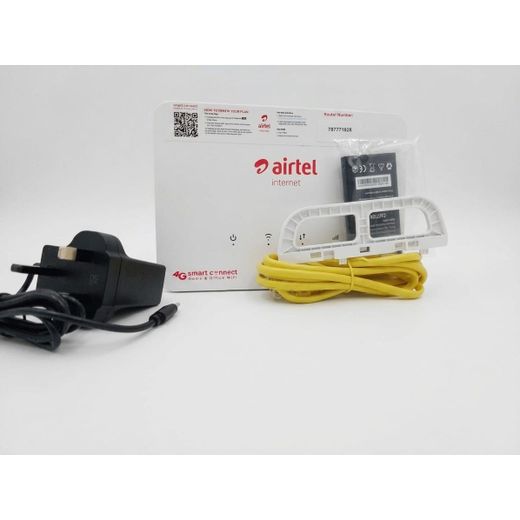
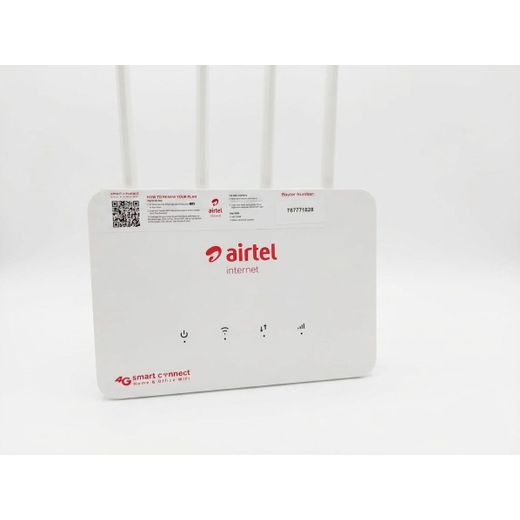
Airtel 4G smart connect wifi
KSh 5,800
KSh 7,600
-24%

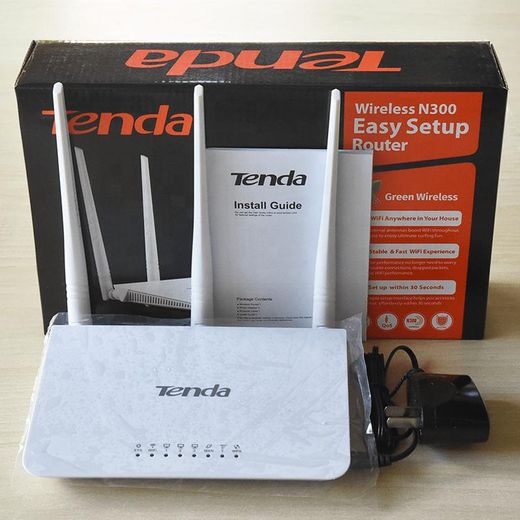
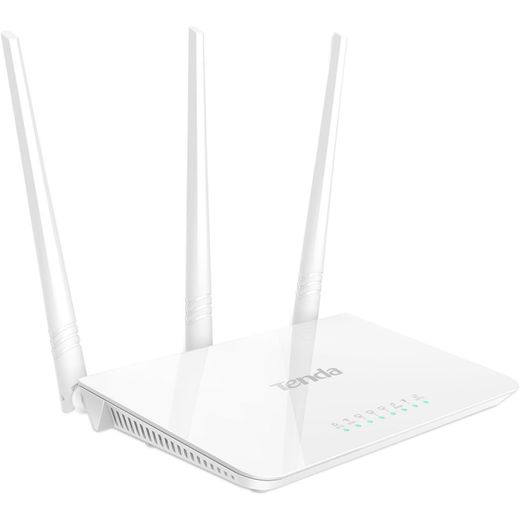
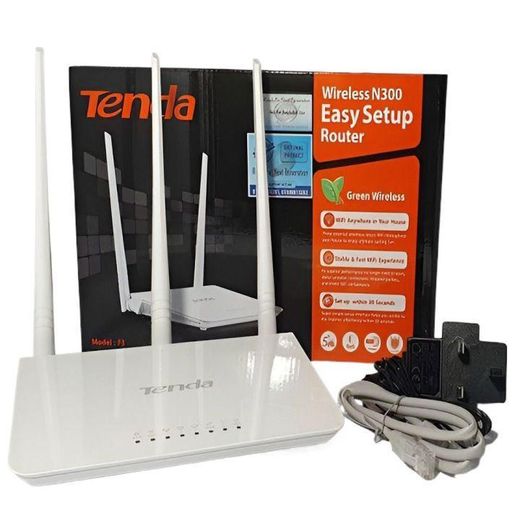
tenda F3 N300 300 Mbps Wireless WiFi Router
KSh 1,899


Out of Stock
Airtel smartconnect portable wifi router
KSh 6,123
KSh 6,500
-6%

COFE Smart WiFi Reliable Networking Fast Performance 300Mbps 4G/5G SimCard Wifi Router
KSh 5,515
KSh 5,600
-2%

D-Link DGS-1100-08P 8-Port Gigabit PoE Smart Switch
KSh 15,900
KSh 18,000
-12%
Low Stock
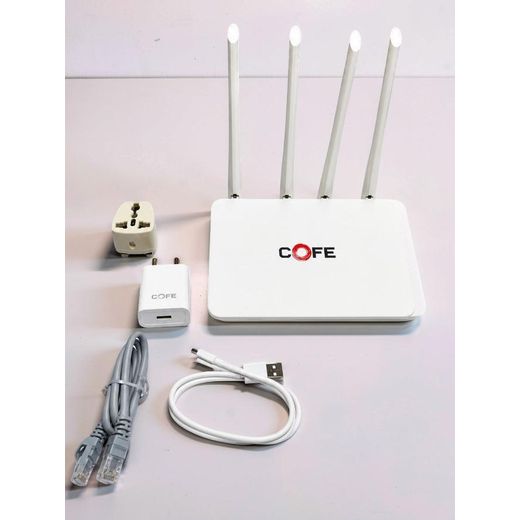
Intelligent Routing Enhanced Speed Smart Internet 300Mbps 4G/5G SimCard Wifi Router
KSh 5,600
KSh 5,899
-5%


Out of Stock
Airtel smartbox wifi router
KSh 6,123
KSh 7,869
-22%
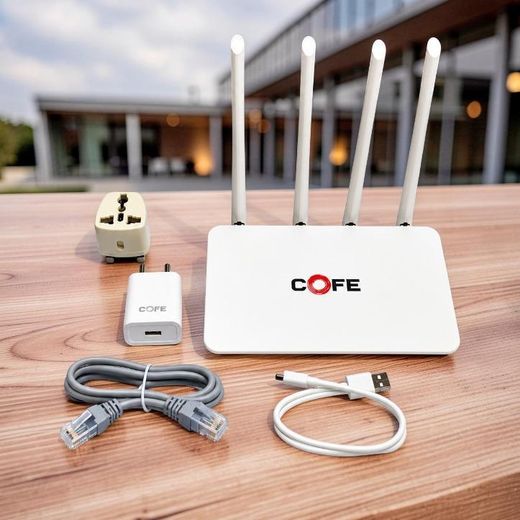
Intelligent Routing Enhanced Speed Smart Internet 300Mbps 4G/5G SimCard Wifi Router
KSh 5,560
KSh 5,840
-5%
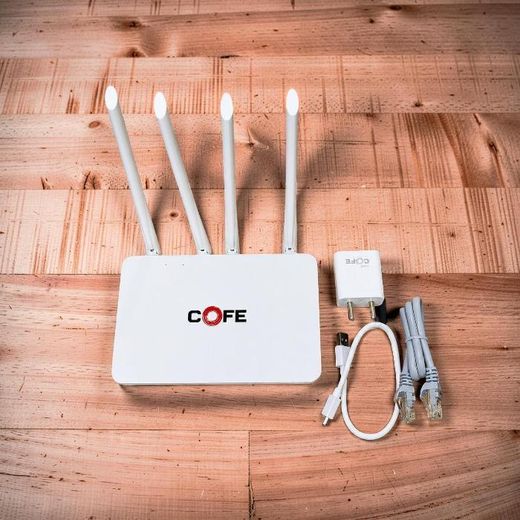
Intelligent Routing Enhanced Speed Smart Internet 300Mbps 4G/5G SimCard Wifi Router
KSh 5,560
KSh 5,839
-5%
Frequently Asked Questions about Smart interface router
How do I decide which smart interface router to buy for home use?
First map out your home’s coverage needs, the number of connected devices, and your internet speed. Choose a model that supports the right Wi‑Fi standard and has enough bandwidth to handle streaming, gaming, and video calls simultaneously. Look for features like a user-friendly app, guest networks, and reliable firmware updates. This approach helps you pick a router that stays smooth under peak usage while keeping setup simple.
What Wi‑Fi standards matter most when shopping for a router?
Prioritize Wi‑Fi 6 or 6E for better efficiency and higher real-world speeds when many devices are connected. These standards improve performance in dense environments and reduce congestion. If you encounter older devices, a Wi‑Fi 5 option can still be workable, but Wi‑Fi 6/6E provides longer-term performance benefits and future-proofing for homes with multiple smart devices.
Why is the number of wireless bands important for busy homes?
Having multiple bands, such as dual-band or tri-band, helps distribute traffic across networks to minimize slowdowns. The 2.4 GHz band supports longer range and compatibility with older devices, while 5 GHz bands offer higher speeds for streaming and gaming. A tri-band router adds an extra 5 GHz channel that can be dedicated to bandwidth-heavy tasks, keeping everyday browsing responsive even with many devices online.
Which security features should you look for in a smart router?
Look for WPA3 encryption as a baseline, automatic firmware updates to patch vulnerabilities, and robust parental controls for family safety. A built‑in firewall, guest network isolation, and configurable security profiles help protect all connected devices. Regularly updating the router’s firmware ensures you stay ahead of new threats while keeping your network stable.
What ports and options affect network expansion?
Check for multiple Ethernet ports to connect desktop PCs, printers, or network storage; a USB port can enable sharing peripherals or storage across devices. Features like MU‑MIMO and QoS help manage simultaneous tasks by prioritizing important traffic. If you plan future upgrades, ensure the device supports easy-to-use mesh extensions for wider coverage without sacrificing performance.
How can you ensure the router works with your internet plan and devices?
Verify that the router is compatible with your type of connection, whether fiber, cable, or DSL, and that it supports common devices such as smartphones, tablets, smart TVs, and gaming consoles. Look for a model with easy setup and a responsive mobile app to configure networks, guests, and parental controls. A reliable security suite and ongoing support are also important for long-term use across a growing smart-home environment.
What makes setup simple and user-friendly?
Choose a router with a clear quick‑start guide and a well‑designed mobile app that guides you through installation step by step. Features like auto‑setup, one‑tap guest networks, and intuitive parental controls make it easy to get everyone online quickly. A visually clear dashboard helps you monitor connected devices and network performance without needing advanced technical skills.